9. Tap Next.
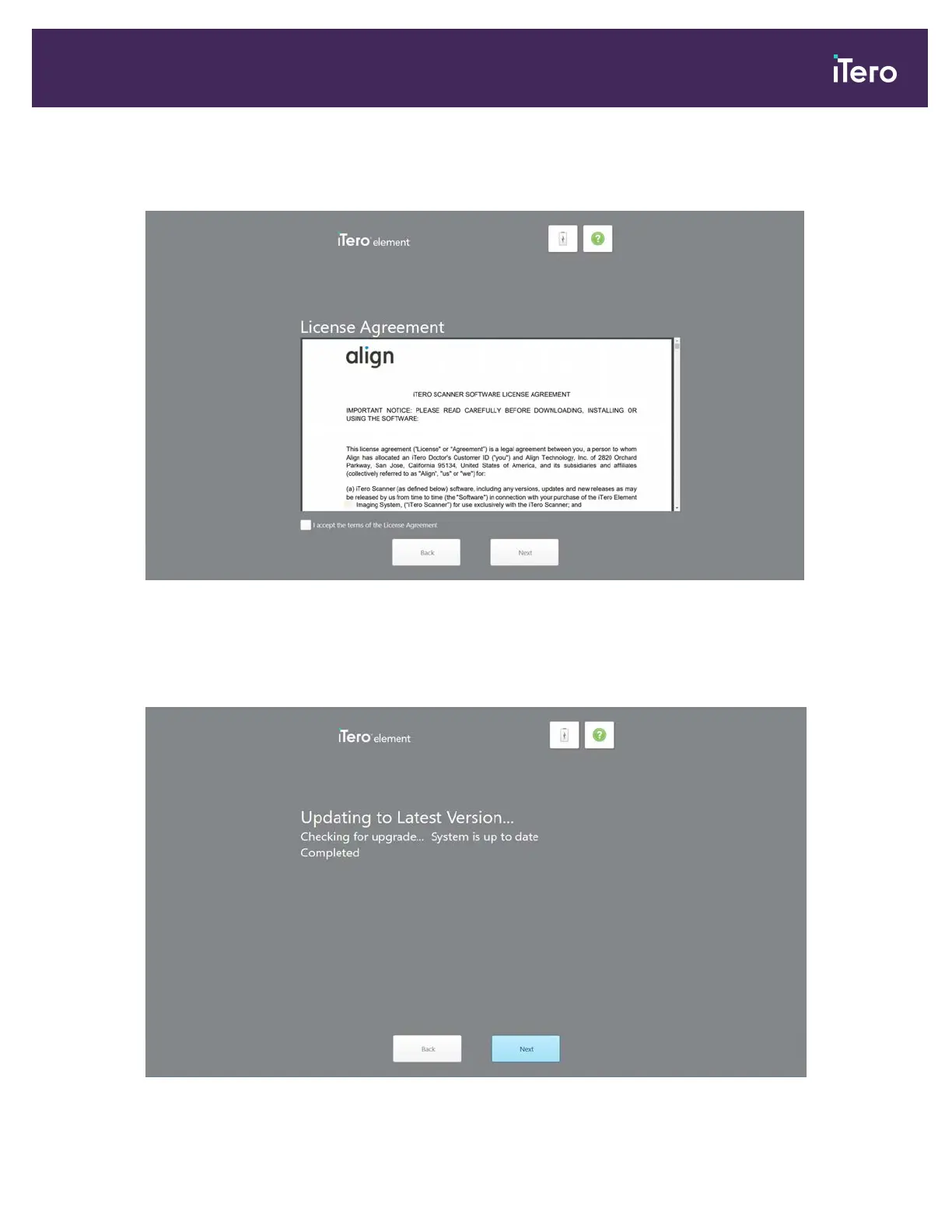
The License Agreement page is displayed.
Figure 20: License agreement
10. After reviewing the license agreement, select the check box to accept the terms of the agreement and then tap
Next.
The system checks for an upgrade and is upgraded to the latest version, if relevant.
Figure 21: Checking for updates
iTero Element® 5D Plus User manual
© 2020 Align Technology, Inc. All rights reserved. 19



 To Next Page