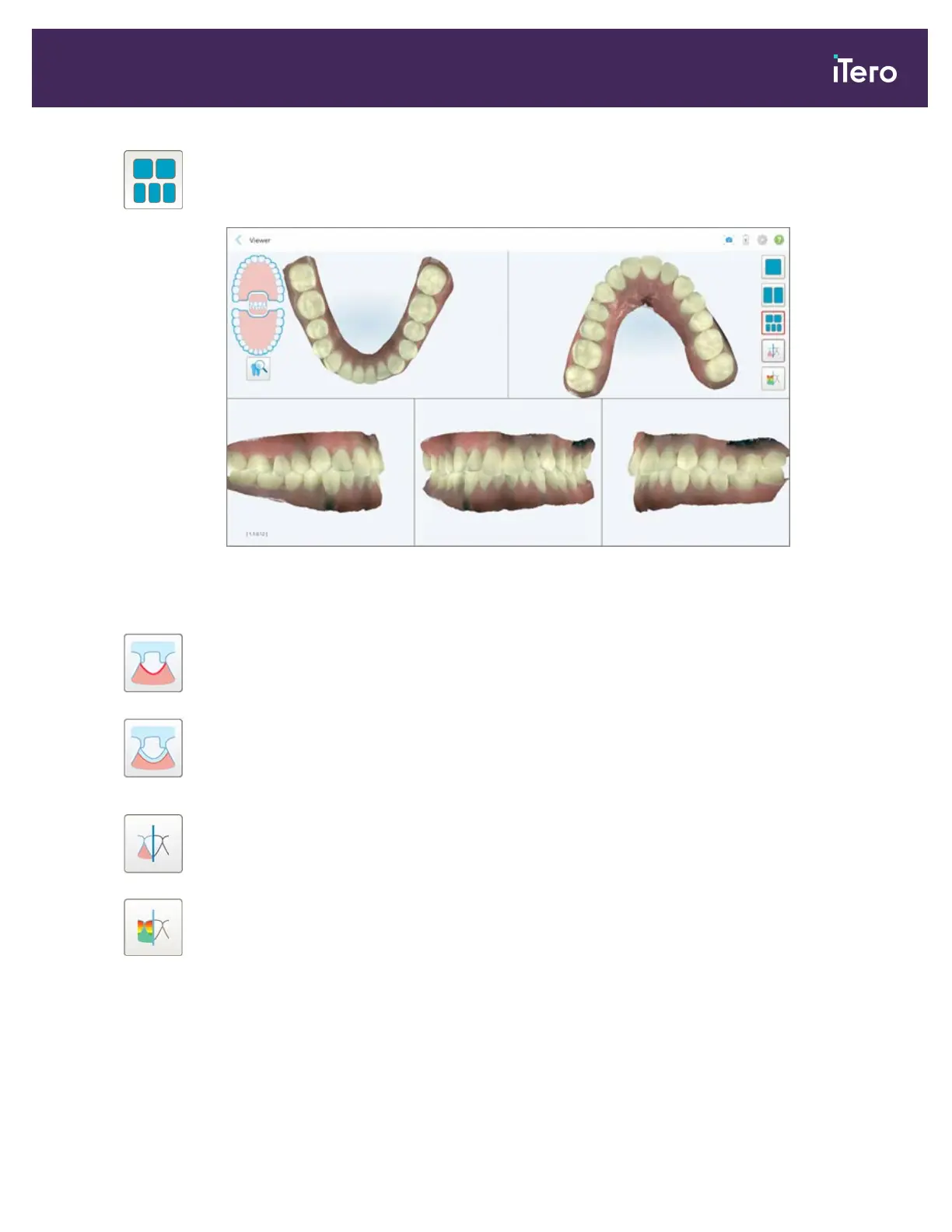
Display the model in a 5-window view, with the upper and lower jaws separately,
and both jaws from the left, center, and right (Gallery view). Each model can be
controlled separately, for better evaluation.
Figure 114: Model in a 5-window view
Relevant for Orthodontic case types only.
Display/hide the margin line of the prepped tooth.
Relevant for Restorative case types only.
Show/hide the ditch created by the Modeling team. This will be enabled in the
Viewer only after the modeling phase.
Relevant for Restorative case types only.
Toggle between viewing the model in color or in monochrome.
Show/hide the occlusal clearance between the opposing teeth, as described in
section 9.7.
Note: When the case status is iTero Modeling, it is in the early stages of modeling and the margin line and die tools
are disabled.
When the modeling process is completed, and the die and margin line have been edited, the changes appear in color
on the model and the tools are displayed in color, indicating that they are active.
iTero Element® 5D Plus User manual
© 2020 Align Technology, Inc. All rights reserved. 101



 To Next Page