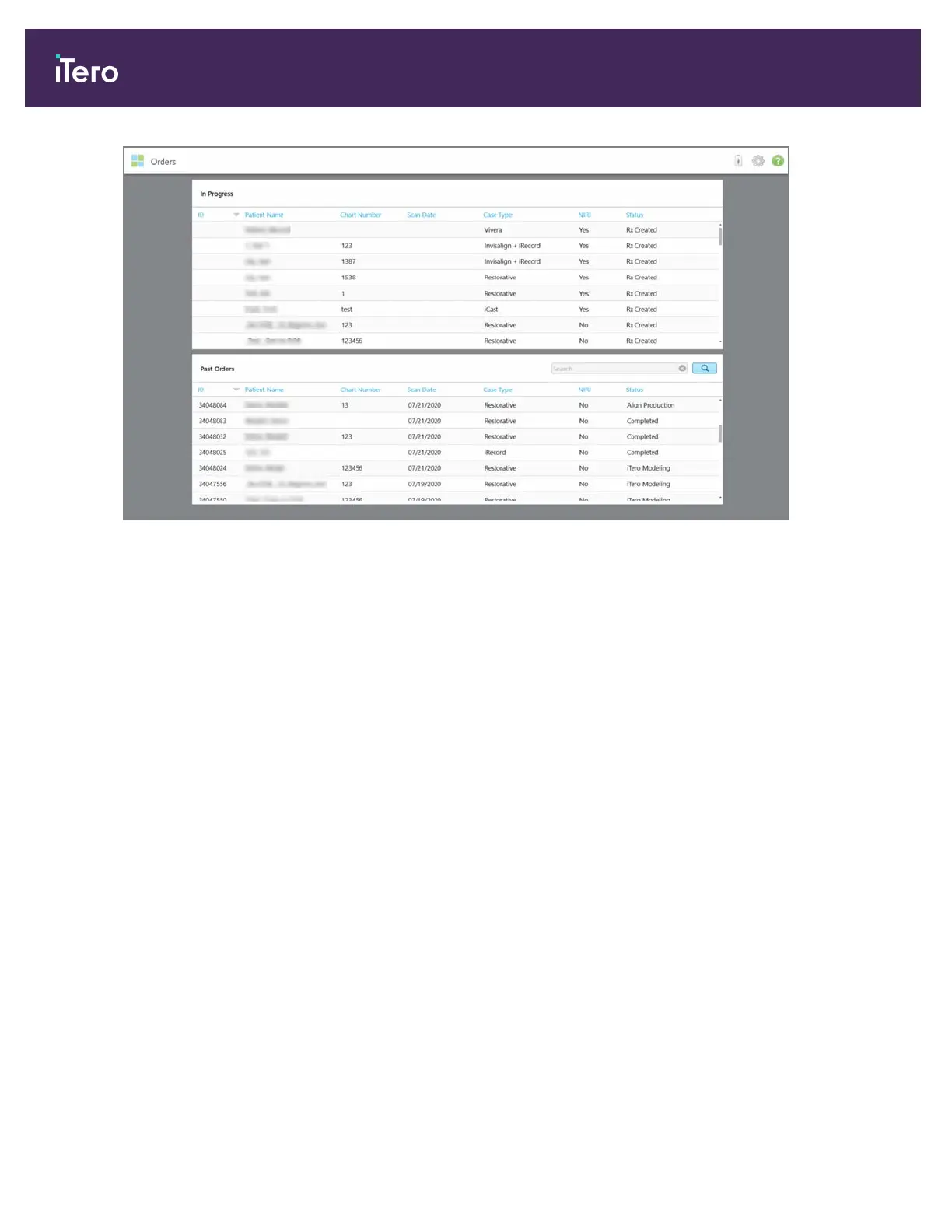
Figure 129: Orders page
To view or review orders:
1. Tap the Orders button on the home screen.
The Orders page is displayed, showing two panes – In Progress orders and Past Orders.
o
In Progress: Scans have not yet been submitted.
o
Past Orders: Scans have already been submitted.
iTero Element® 5D Plus User manual
114 © 2020 Align Technology, Inc. All rights reserved.



 To Next Page