5.4 Viewing the Rx
If required, you can view the Rx of a previous order.
To view the Rx of a previous order:
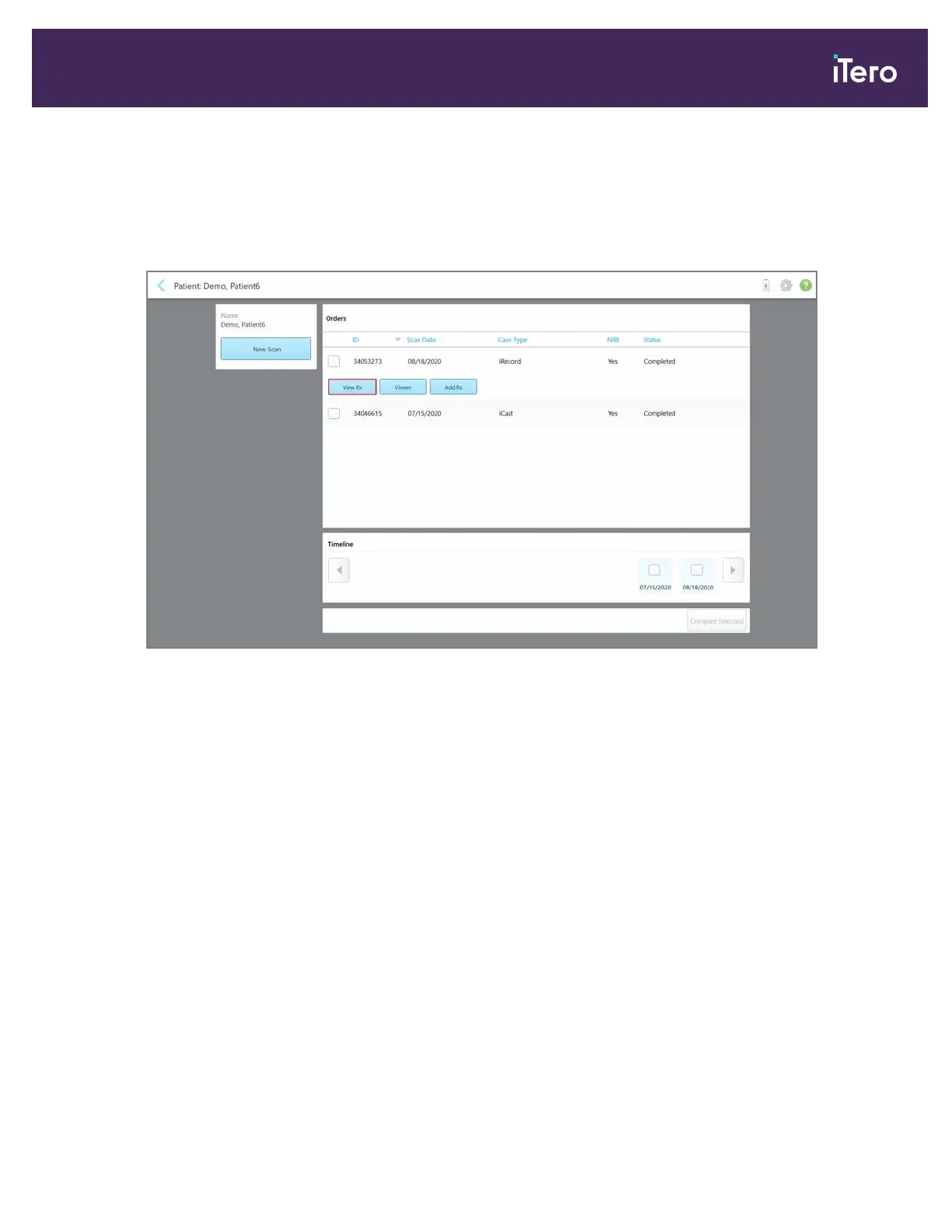
1. In the patient’s profile page, select the order for which to view the Rx and then tap View Rx.
Figure 125: Patient’s profile page – View Rx option
The Rx Details window is displayed.
iTero Element® 5D Plus User manual
© 2020 Align Technology, Inc. All rights reserved. 109



 To Next Page