If required, NIRI capture can also be disabled for a specific scan, as described in section 4.4.2.
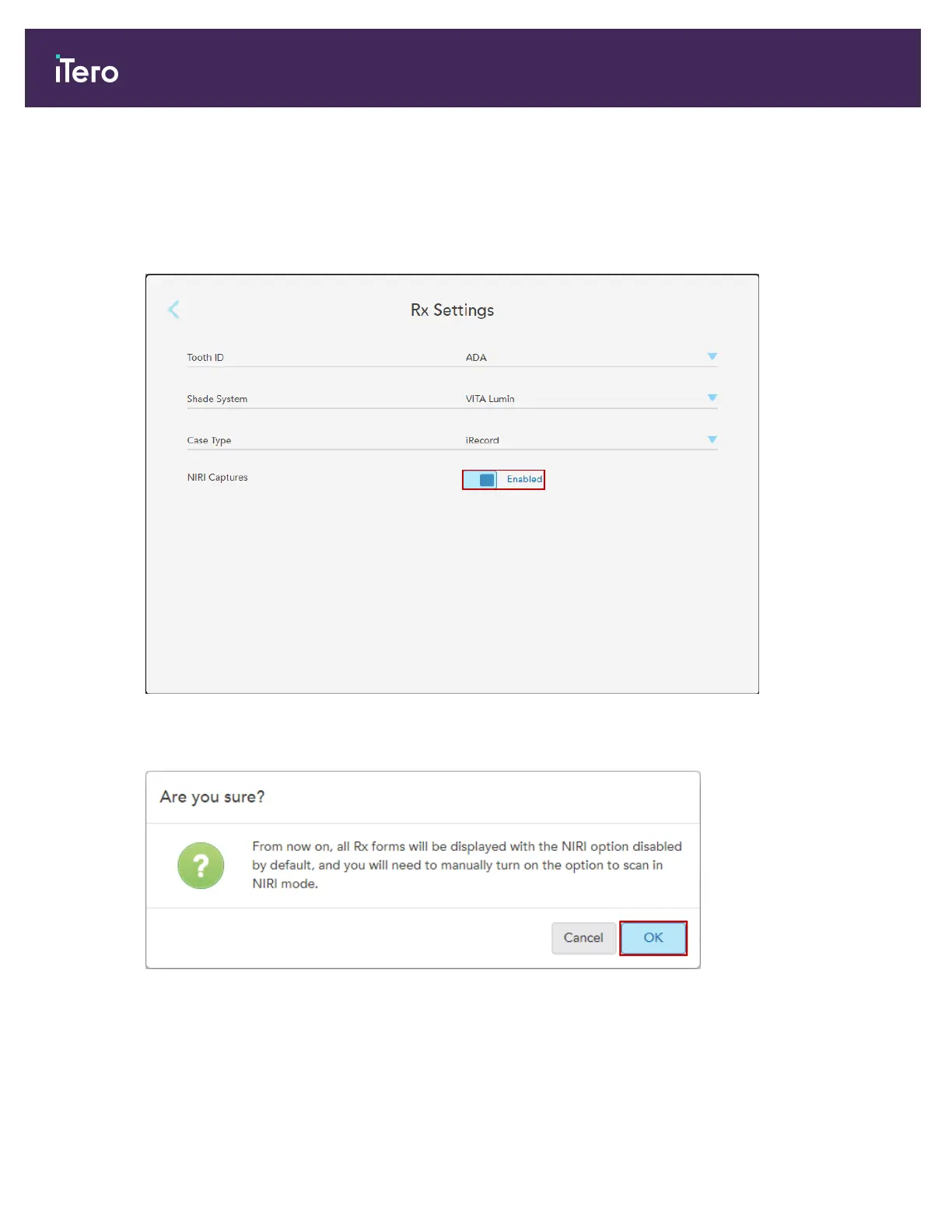
To disable NIRI data capture, by default:
1. In the Settings window, tap Rx Settings.
2. In the Rx Settings window, toggle the NIRI Captures option to Disabled.
Figure 56: Rx Settings window – NIRI Captures option enabled
A confirmation message will be displayed notifying NIRI will be disabled, by default, for all future scans.
Figure 57: Disable NIRI confirmation
iTero Element® 5D Plus User manual
52 © 2020 Align Technology, Inc. All rights reserved.



 To Next Page