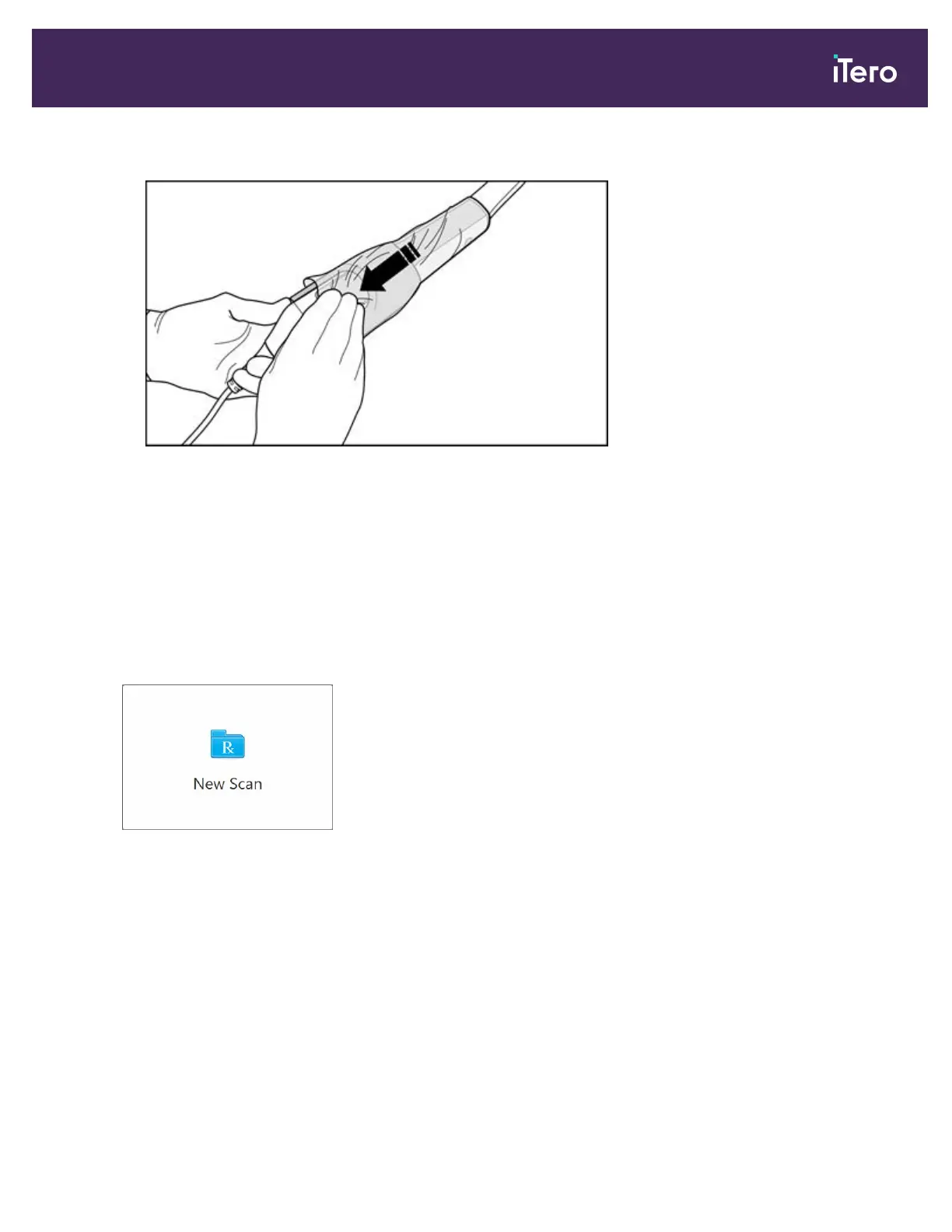
5. Gently pull the transparent sheath to cover the entire wand.
Figure 69: Gently pull the transparent sheath to cover the entire wand
Note: The white tape on the transparent sheath is for manufacturing purposes only, and should be ignored.
6. Visually inspect the wand barrier sleeve for any noticeable damage, for example, cracks, scratches, and holes.
Replace the wand barrier sleeve in case of noticeable damage.
4.2 Starting the scan
On the home screen, tap the New Scan button to start the scanning process.
The New Scan window is displayed, as well as a toolbar that shows your progress throughout the scanning process.
iTero Element® 5D Plus User manual
© 2020 Align Technology, Inc. All rights reserved. 63



 To Next Page