4 Starting a new scan
Before starting a new scan, you must:
l Add a new patient, as described in section 4.3.1 or search for an existing patient, described in section 4.3.2.
l Check whether there are any particles on the wand. If so, use a CaviWipe1 to remove them.
l Ensure that the vent cover is securely attached and does not move. If the vent cover does not fit securely or is
damaged, replace it as described in section 1.0.1.1.
l Apply a new wand barrier sleeve, as described below.
4.1 Applying a wand barrier sleeve
To apply a wand barrier sleeve:
1. Place a new wand barrier sleeve in its original packaging near the iTero Element 5D wand.
Note: Inspect the packaging to verify that there is no visible damage. Replace it if any damage is observed.
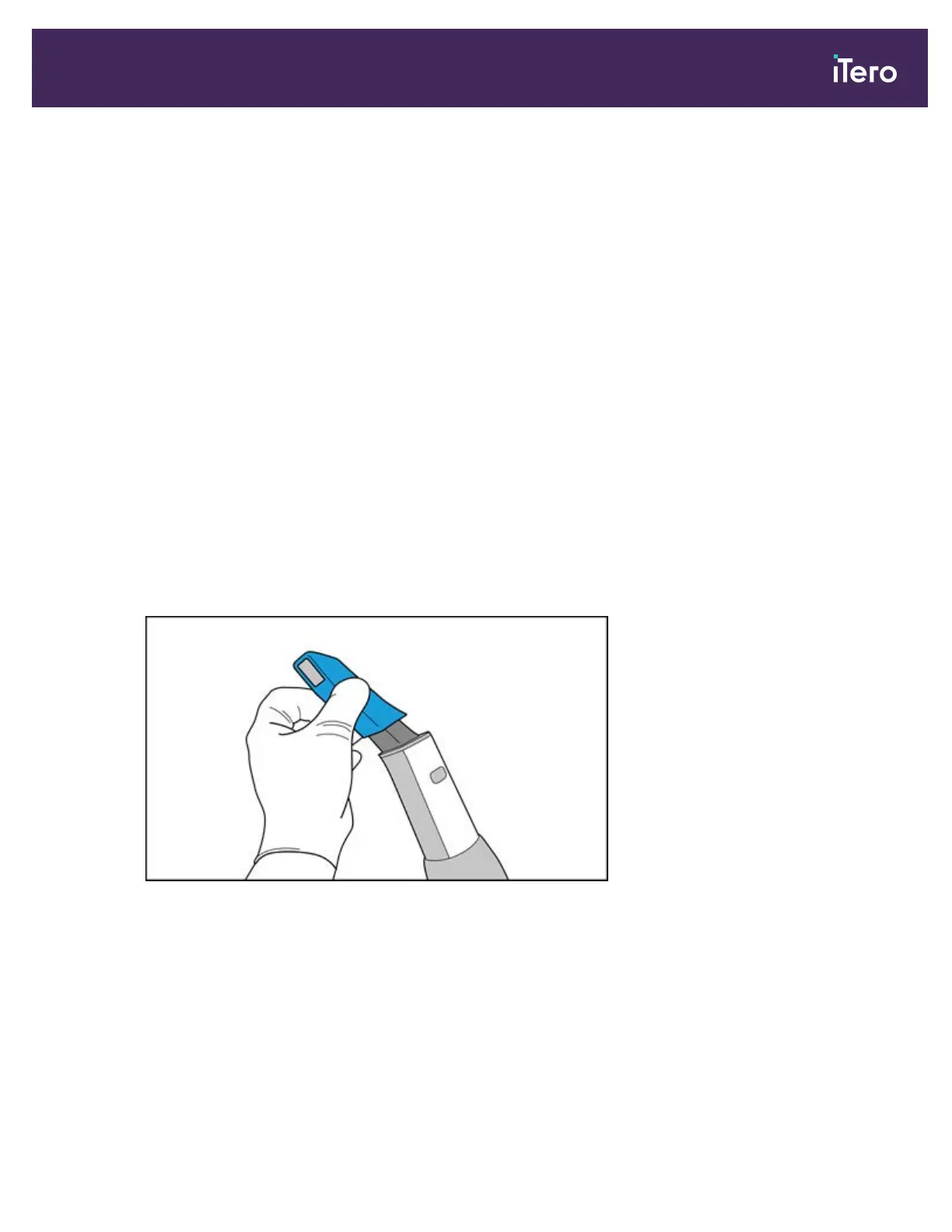
2. Gently remove the protective sleeve from the wand.
Figure 66: Remove the protective sleeve
3. Wearing gloves, remove the wand barrier sleeve from its packaging, making sure to keep the transparent sheath
folded.
iTero Element® 5D Plus User manual
© 2020 Align Technology, Inc. All rights reserved. 61



 To Next Page