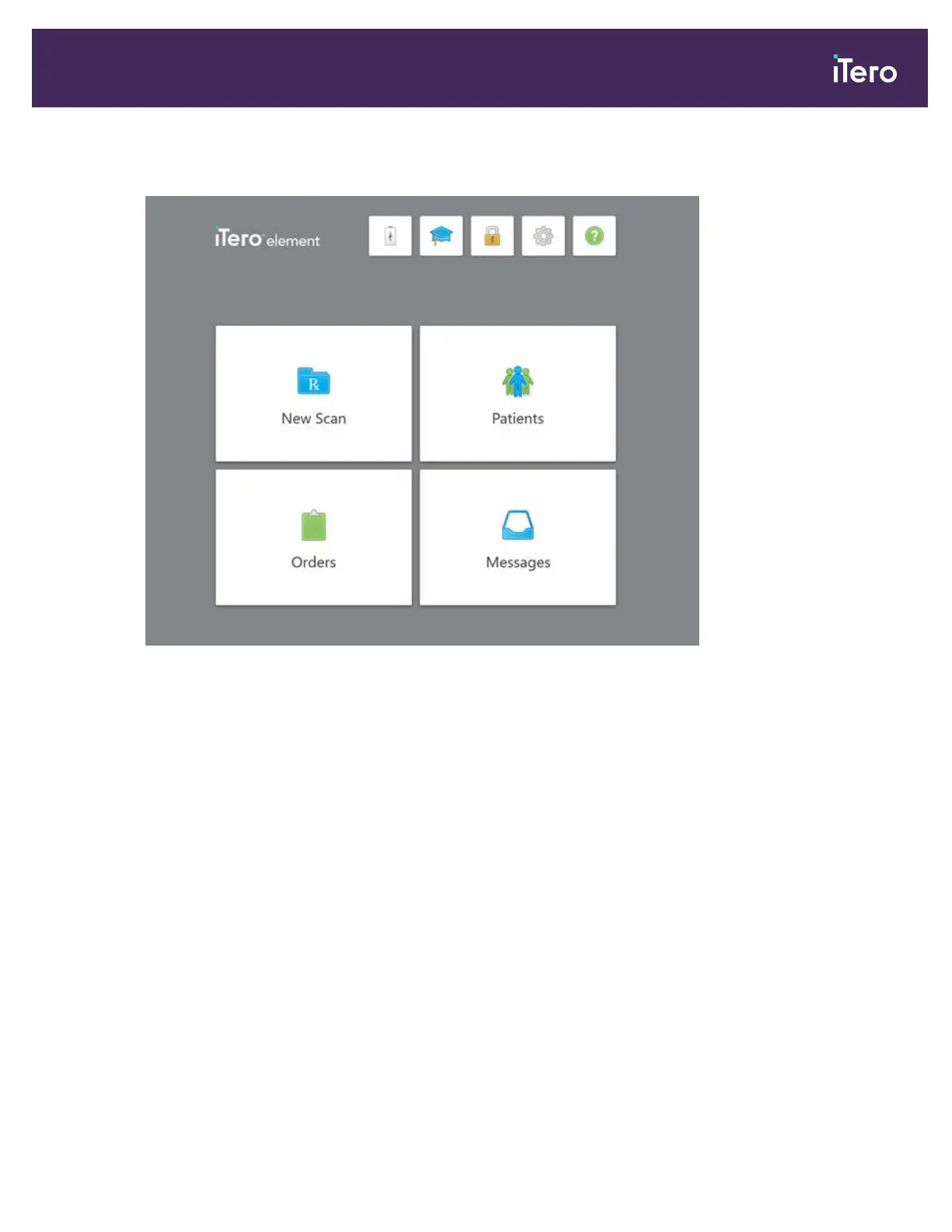
The iTero home screen is displayed.
Figure 32: iTero home screen
Note: In order to ensure that all Windows security patches are up-to-date, you will see a notification at the bottom of
the Login window and home screen as soon as security updates are available. For more information on installing
security updates, see section 3.1.2.
iTero Element® 5D Plus User manual
© 2020 Align Technology, Inc. All rights reserved. 29



 To Next Page