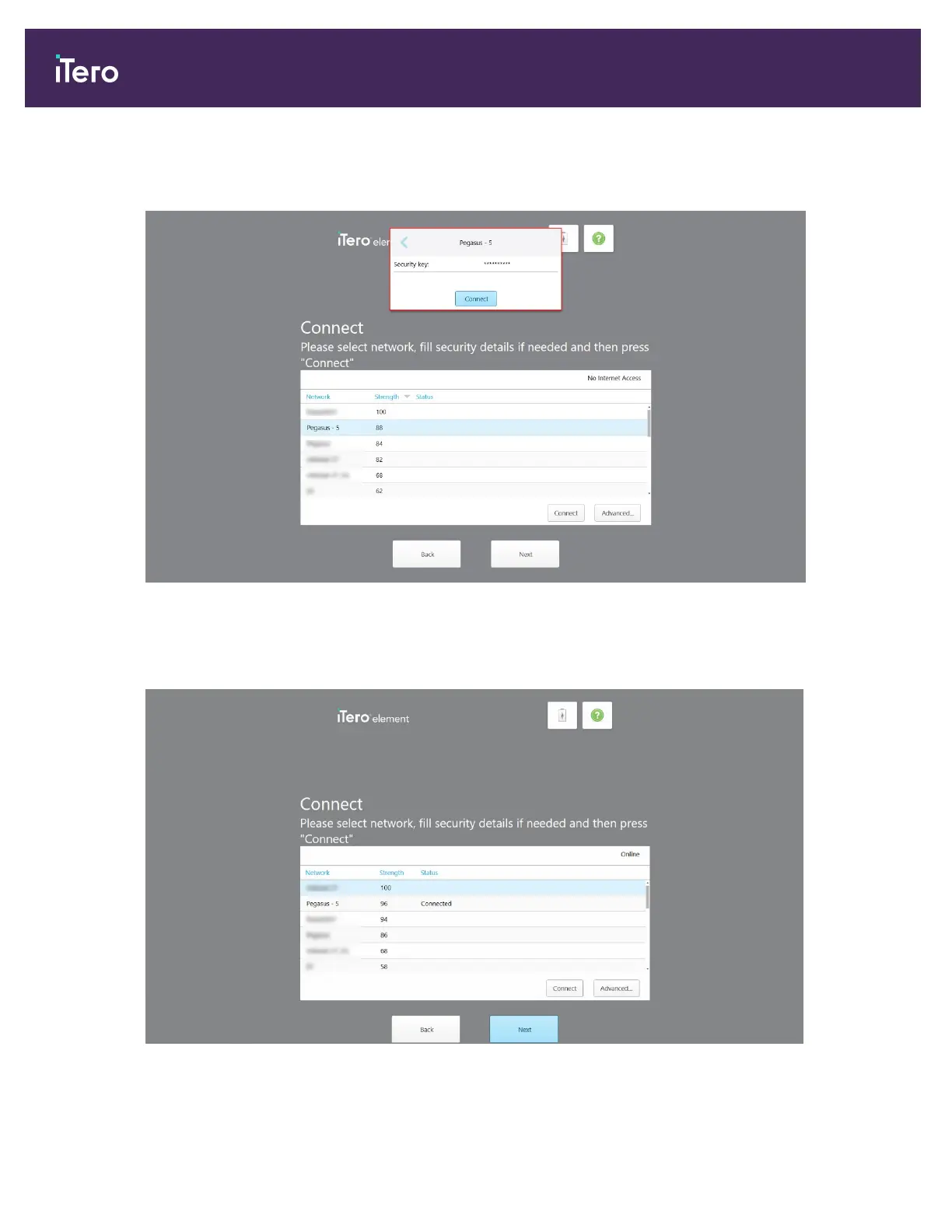
3. Select the clinic network from the list and then tap Connect.
You are prompted to enter the network security key.
Figure 14: Entering the security key
4. Enter the security key and then tap Connect.
The scanner is now connected to the Internet and online.
Figure 15: Scanner is connected to the Internet and online
iTero Element® 5D Plus User manual
16 © 2020 Align Technology, Inc. All rights reserved.



 To Next Page