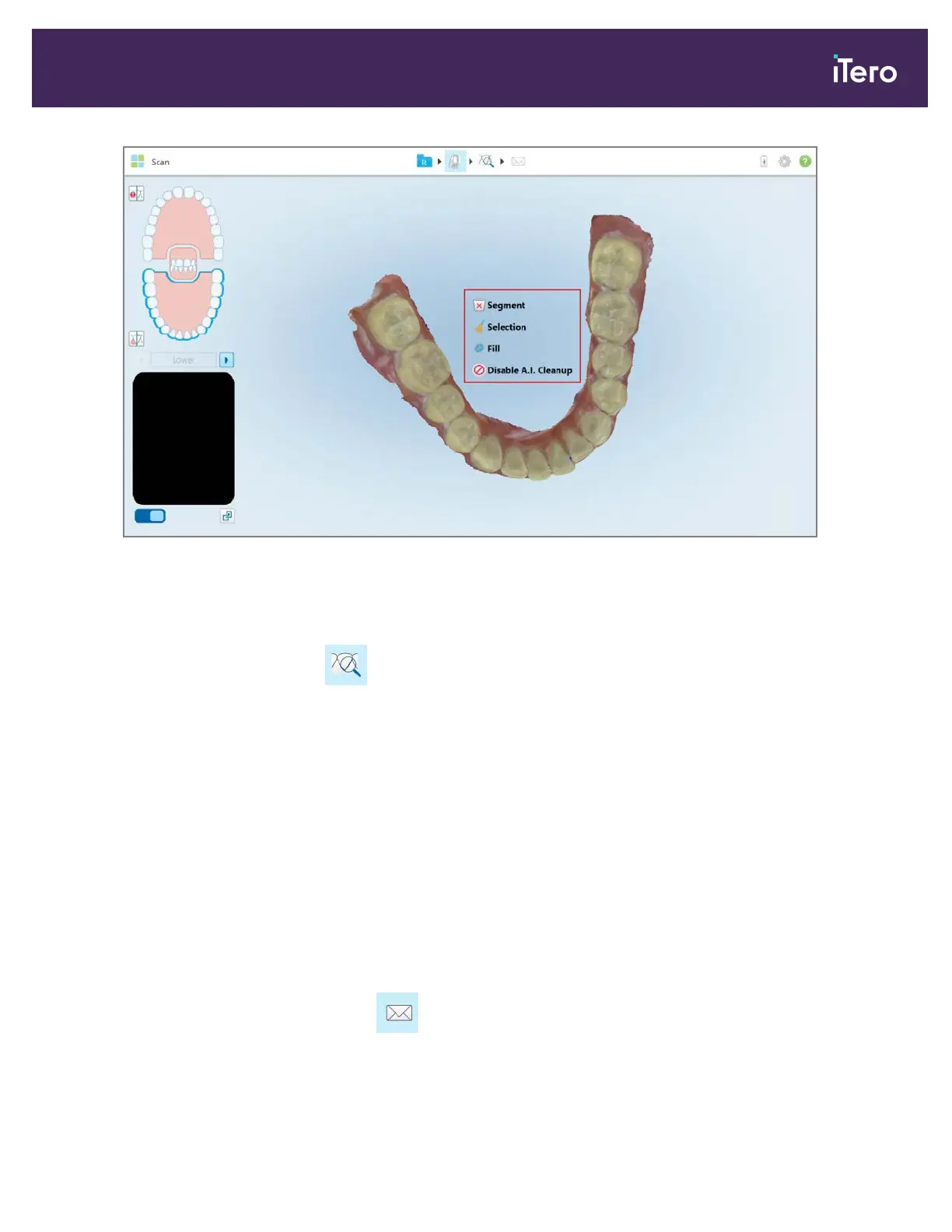
Figure 106: Editing tools
4.6 Viewing the scan
After scanning the patient, tap to move to View mode to inspect the model and ensure that sufficient occlusal
and buccal anatomy have been captured, and that the model is accurate and complete.
If there are missing scan segments or missing bites, a message will be displayed at the beginning of the
post-processing stage notifying you of this and enabling you to go back and fix the scan. For more information, see
section 4.6.1.
While viewing the scan, you can:
l Delete selected areas of a scan, as described in section 9.6
l Trim excess tissues from the scan, as described in 9.8
l Manually create the die separation if the green hint point was not on the center of the prepped tooth during
scanning, as described in section 9.9
l View an area of interest using the Review tool, as described in section 9.10
l Capture a screenshot of the model, as described in section 9.11
After you have reviewed the scan, tap on the toolbar to send the scan to the lab or to storage, as described in
section 4.7.
iTero Element® 5D Plus User manual
© 2020 Align Technology, Inc. All rights reserved. 95



 To Next Page