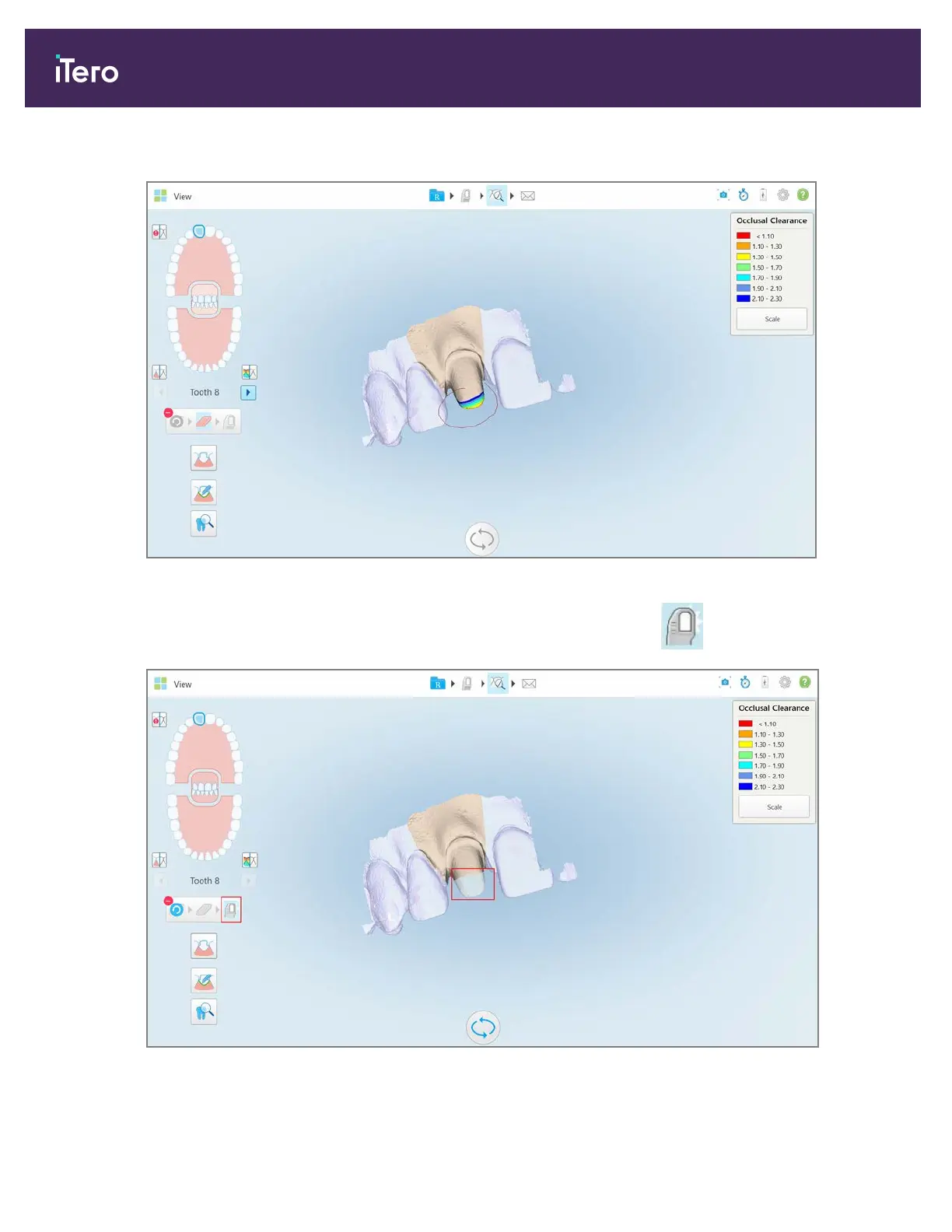
2. With your finger, mark the area to be modified.
Figure 150: Mark the area to be modified
As soon as you lift your finger, the selected area is removed and the scan tool is enabled.
Figure 151: Selected area removed and scan tool enabled
iTero Element® 5D Plus User manual
134 © 2020 Align Technology, Inc. All rights reserved.



 To Next Page