4.3.1 Adding new patients
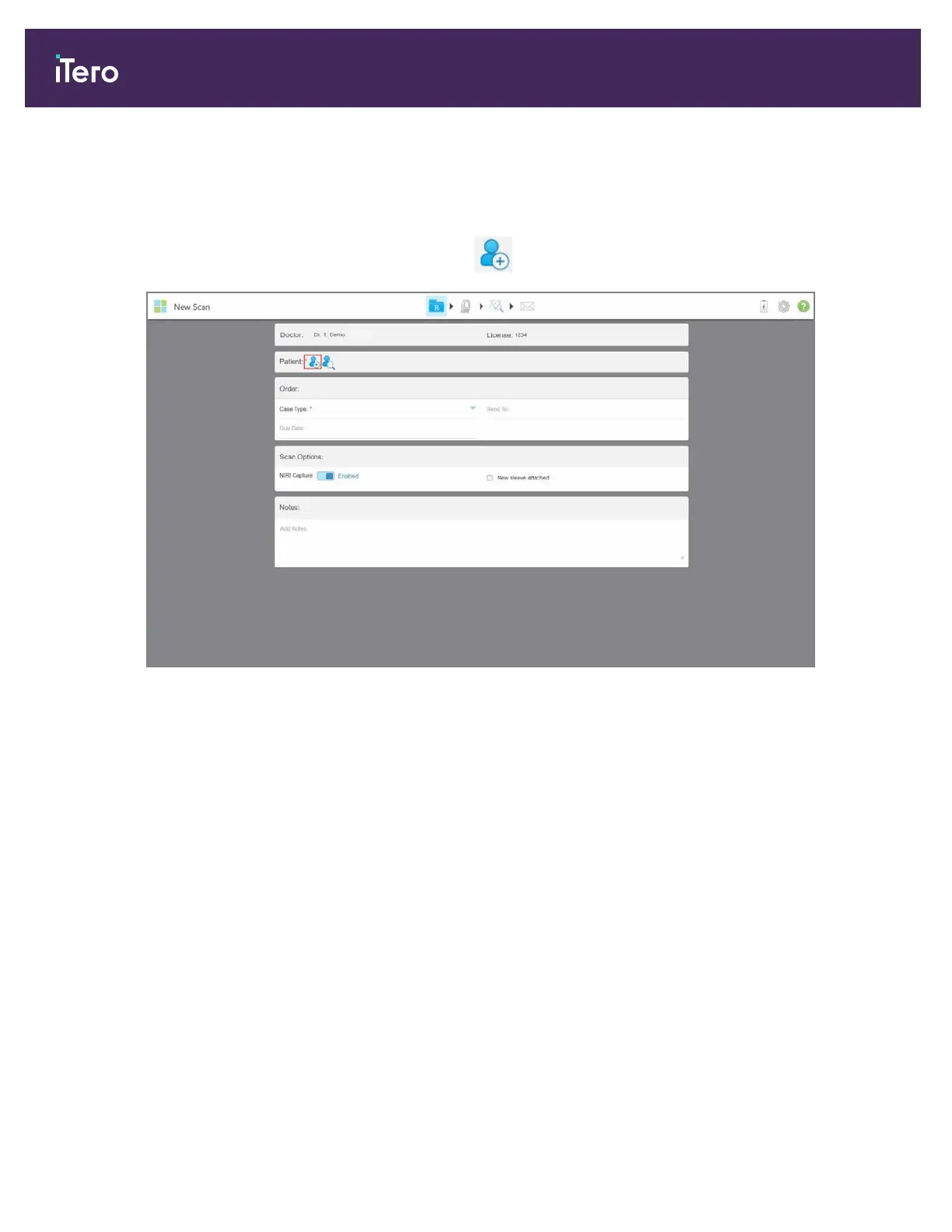
You can add a new patient while filling in the Rx or at any time before.
To add a new patient:
1.
In the New Scan window, in the Patient area, tap .
Figure 71: New Scan window – adding a new patient
iTero Element® 5D Plus User manual
66 © 2020 Align Technology, Inc. All rights reserved.



 To Next Page