4.6.2 Using the scan timer
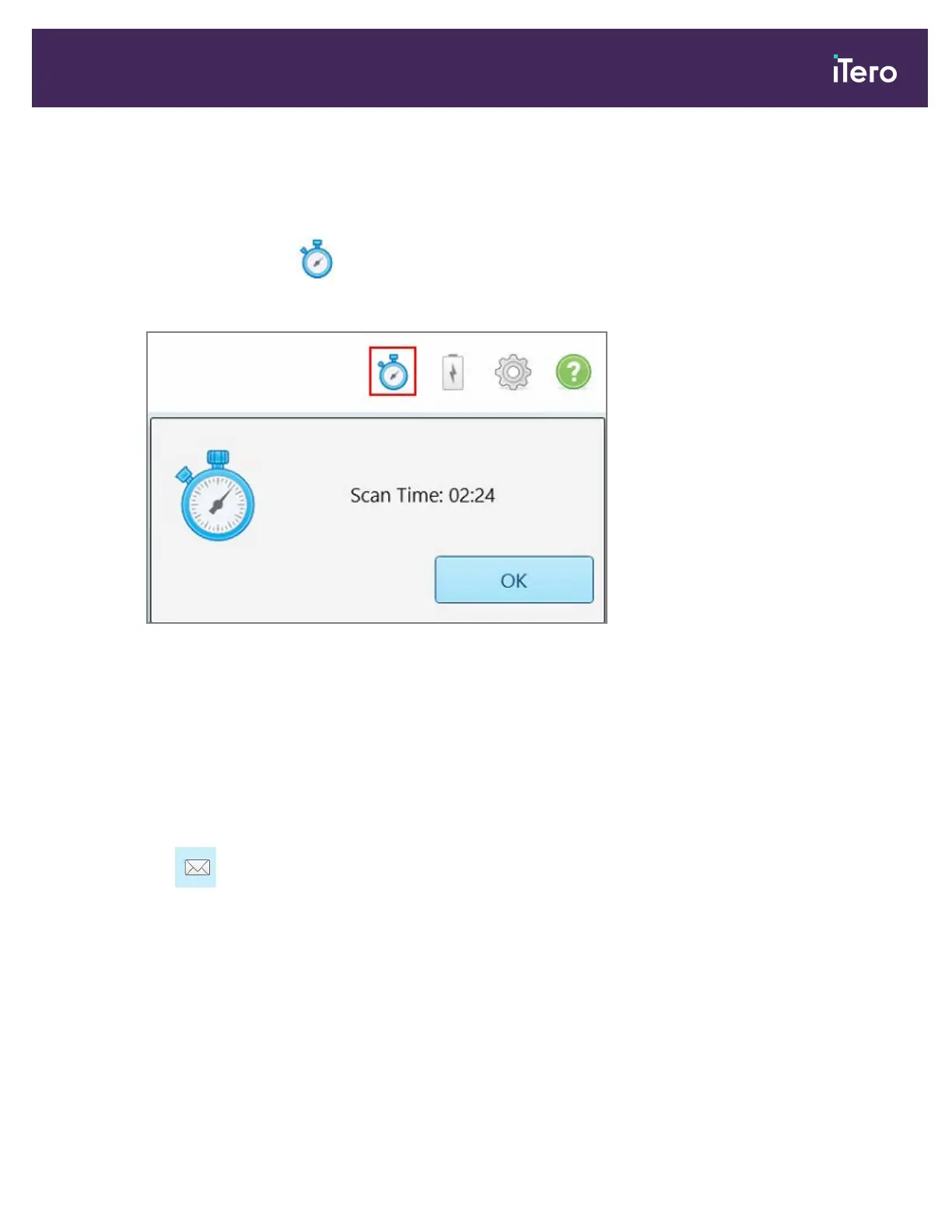
The scan timer enables you to see how long it took to scan the model.
To view the scan time:
1.
On the toolbar, tap the button.
The scan time is displayed.
Figure 108: Scan timer button on the toolbar and scan time
2. Tap OK to close the window.
4.7 Sending the scan
After you have scanned the patient and reviewed the case to ensure that no data is missing, you can send the scan
to the lab or to storage, depending on the case type.
To send the scan:
1.
Tap on the toolbar to send the case, including the screenshots if any.
iTero Element® 5D Plus User manual
© 2020 Align Technology, Inc. All rights reserved. 97



 To Next Page