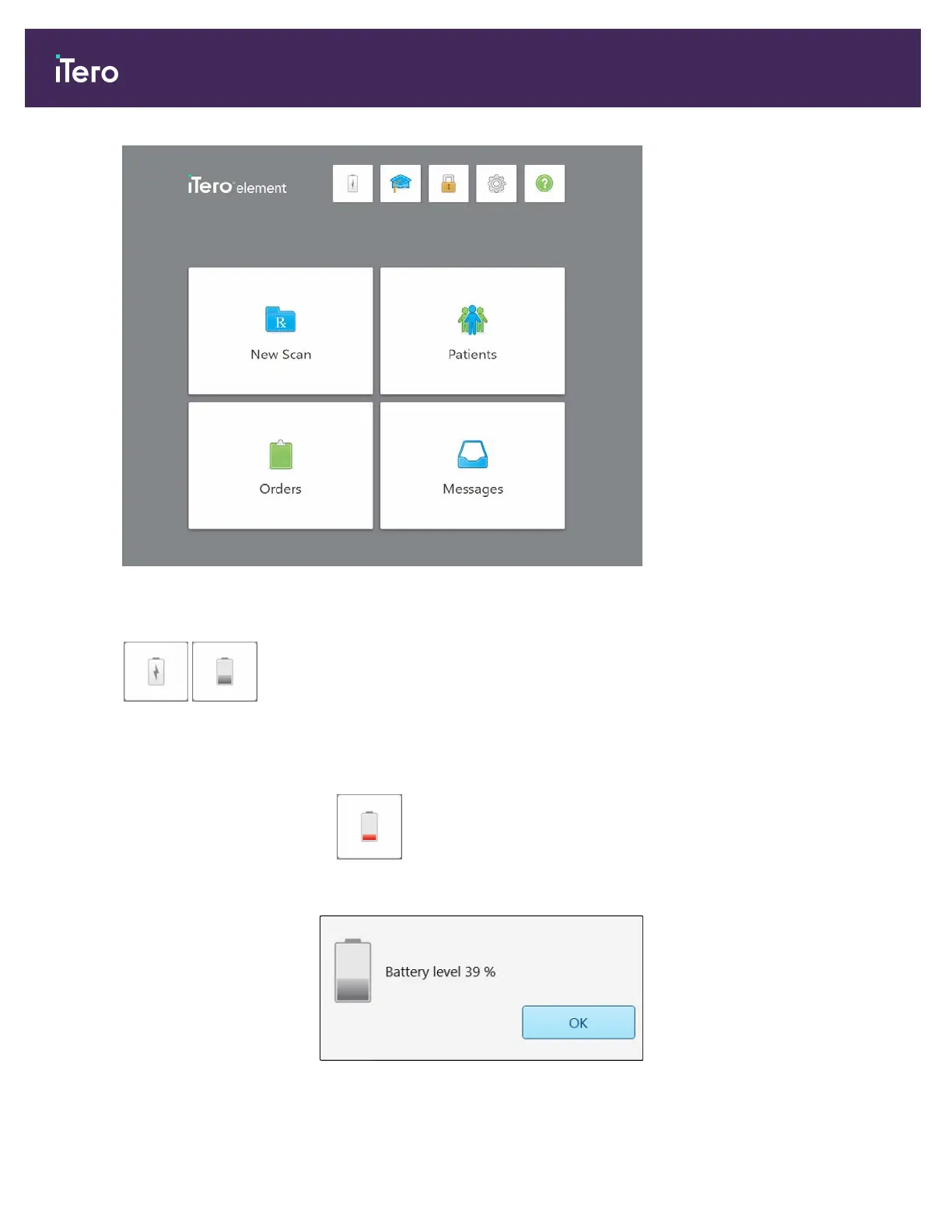
Figure 40: iTero home screen
The following buttons are displayed on the home screen:
/
Displays the status of the battery:
l A lightning bolt indicates that the scanner is connect to the power, and the
battery is charging.
l When using battery power, the remaining charge level is displayed on the
battery icon.
l When the remaining charge level falls below 25%, it is displayed in red
.
Tap to view the percentage of remaining charge:
Figure 41: Percentage of remaining battery charge
iTero Element® 5D Plus User manual
36 © 2020 Align Technology, Inc. All rights reserved.



 To Next Page