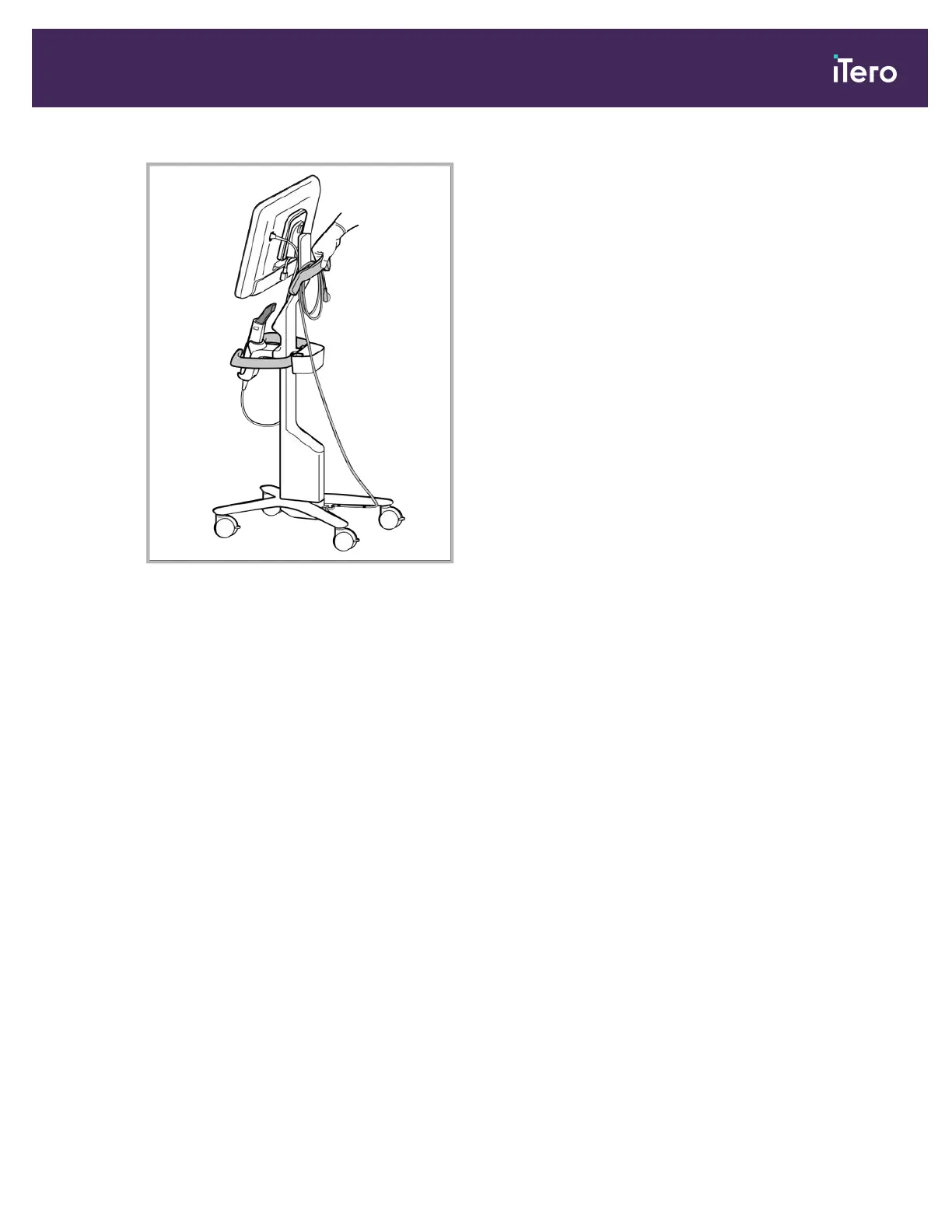
Figure 39: Moving the scanner
To move the scanner while in a seated position:
l Use the main handle to move the scanner.
l The screen height is optimized for a more ergonomic experience while seated. If required, you can adjust the tilt of
the screen.
Note: Do not use the wand or the wand cable to move the scanner, in order to prevent the scanner from toppling over
or damage to the cable.
3.5 User interface
The iTero system provides an intuitive user interface for performing digital scans for Restorative or Orthodontic use.
The touch screen and wand buttons are used to respond to screen instructions during the scanning process.
For a list of the touch-screen gestures that can be used, see section 3.5.2.
iTero Element® 5D Plus User manual
© 2020 Align Technology, Inc. All rights reserved. 35



 To Next Page