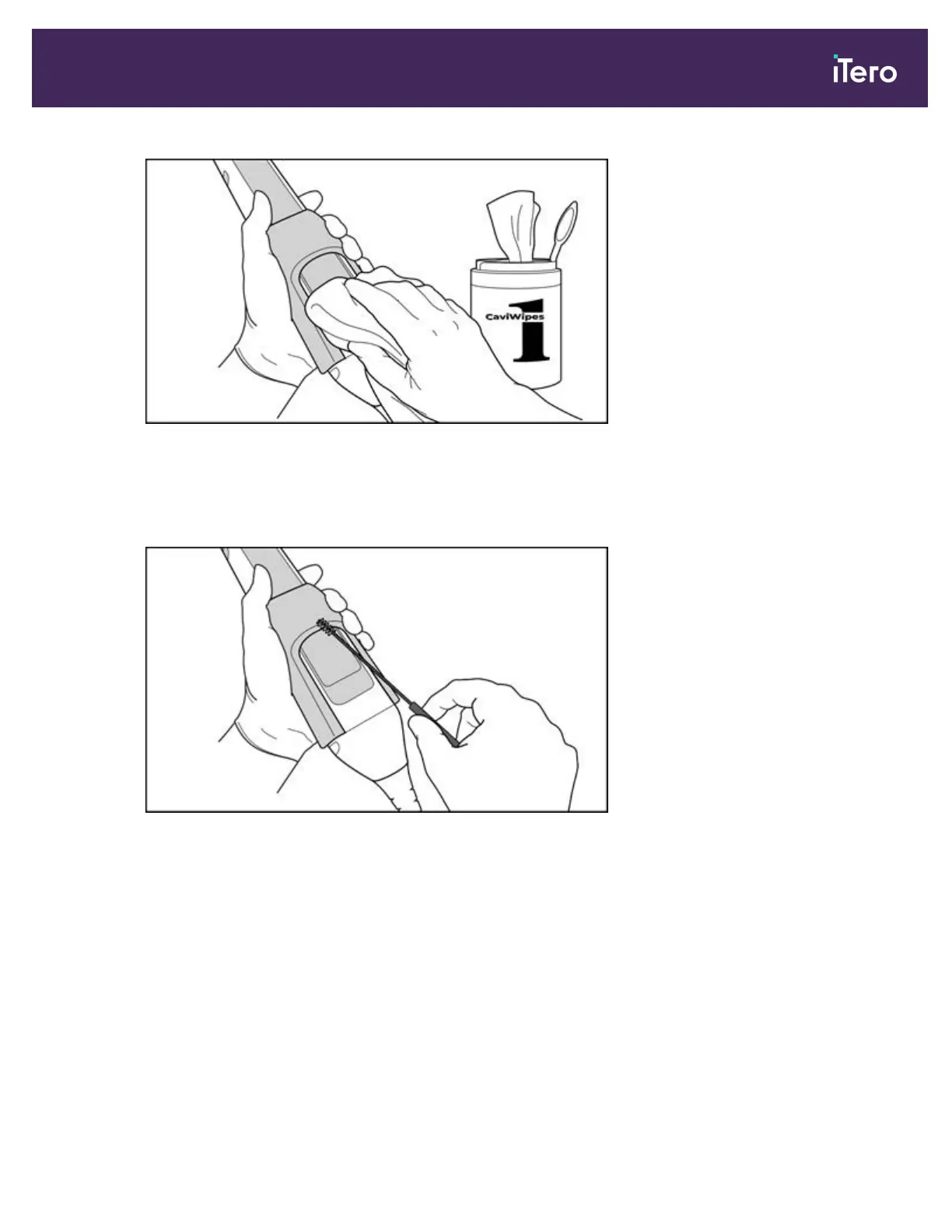
Figure 184: Remove gross contaminants using CaviWipes1
2. Using the soft bristle brush, remove any remaining marks and stains on the wand body and wand tip, paying
special attention to the grooves, indents, joints, vents, etc. Brush until visibly clean.
CAUTION: Do not use the brush on the optical surface to prevent damage to the wand.
Figure 185: Remove marks and stains using a soft bristle brush
3. Using CaviWipes1, remove any remaining contaminants on the wand body and wand tip.
4. Visually inspect the device in a well-lit area to ensure all surfaces are visibly clean.
Disinfection
1. Using CaviWipes1, thoroughly dampen all external surfaces of the wand body and wand tip, including the optical
surface and ensure they remain wet for a minimum of one (1) minute.
Note: Use multiple fresh wipes, as necessary, to keep the wand surfaces wet for the full one (1) minute contact
time.
2. Using lint-free wipe(s) wetted (but not dripping) with 70% Isopropyl Alcohol (IPA), thoroughly wipe the optical
surface of the wand one (1) time until visibly clean.
iTero Element® 5D Plus User manual
© 2020 Align Technology, Inc. All rights reserved. 159



 To Next Page