To activate the Review tool:
l
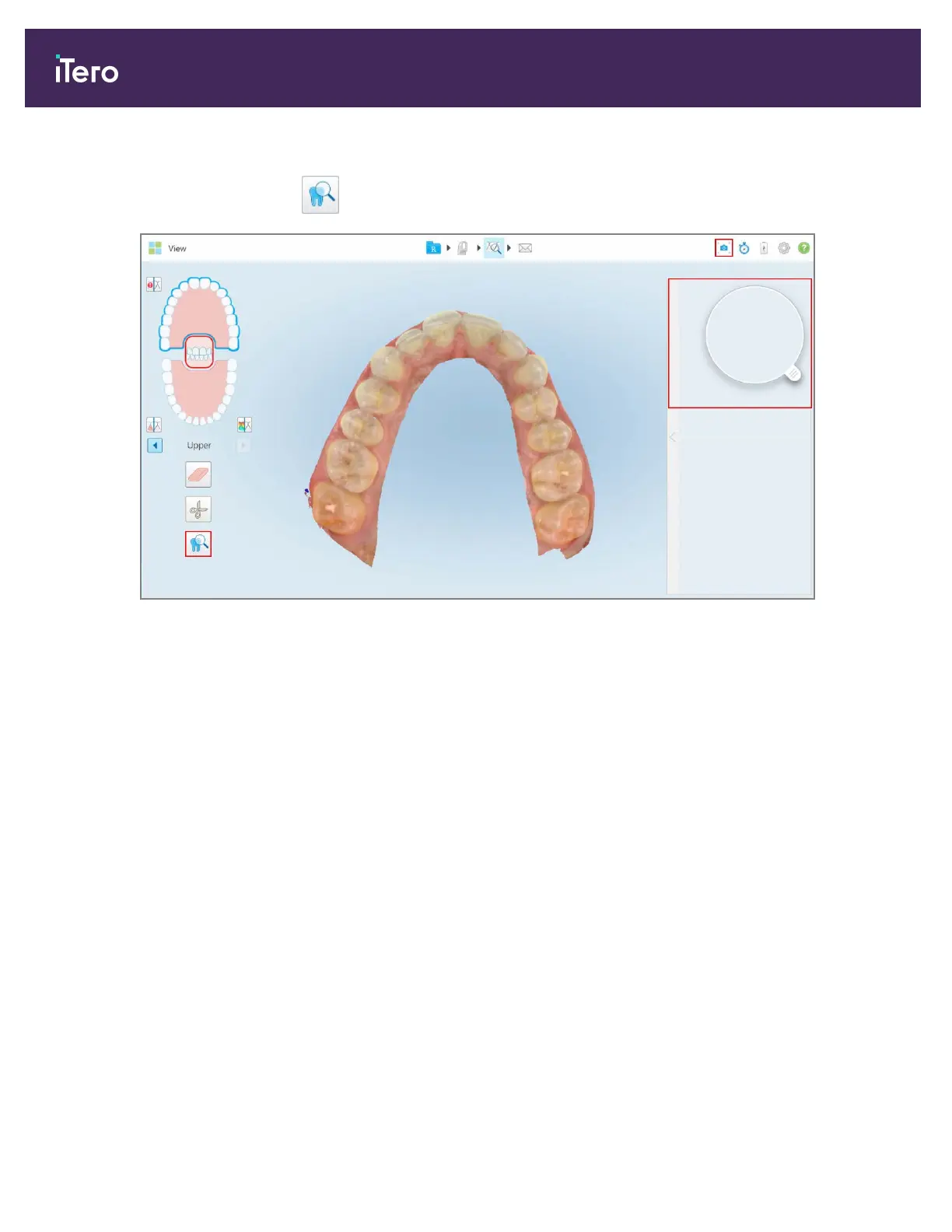
In the View window, tap and then drag the loupe from the right pane over an area of interest.
Figure 167: Review tool with the Snapshot tool on the toolbar and the loupe in the right pane
The area within the loupe is displayed in the image pane on the right. The display in the image pane changes
according to the position of the loupe.
A NIRI and colored intraoral image are displayed one below the other in the image pane on the right. The NIRI and
colored intraoral images in the image pane match the direction of the loupe and are updated simultaneously while
moving the loupe over the 3D display.
iTero Element® 5D Plus User manual
146 © 2020 Align Technology, Inc. All rights reserved.



 To Next Page