3. Rescan the patient.
In order to prevent over scanning, only the highlighted areas are scanned and the voids are filled.
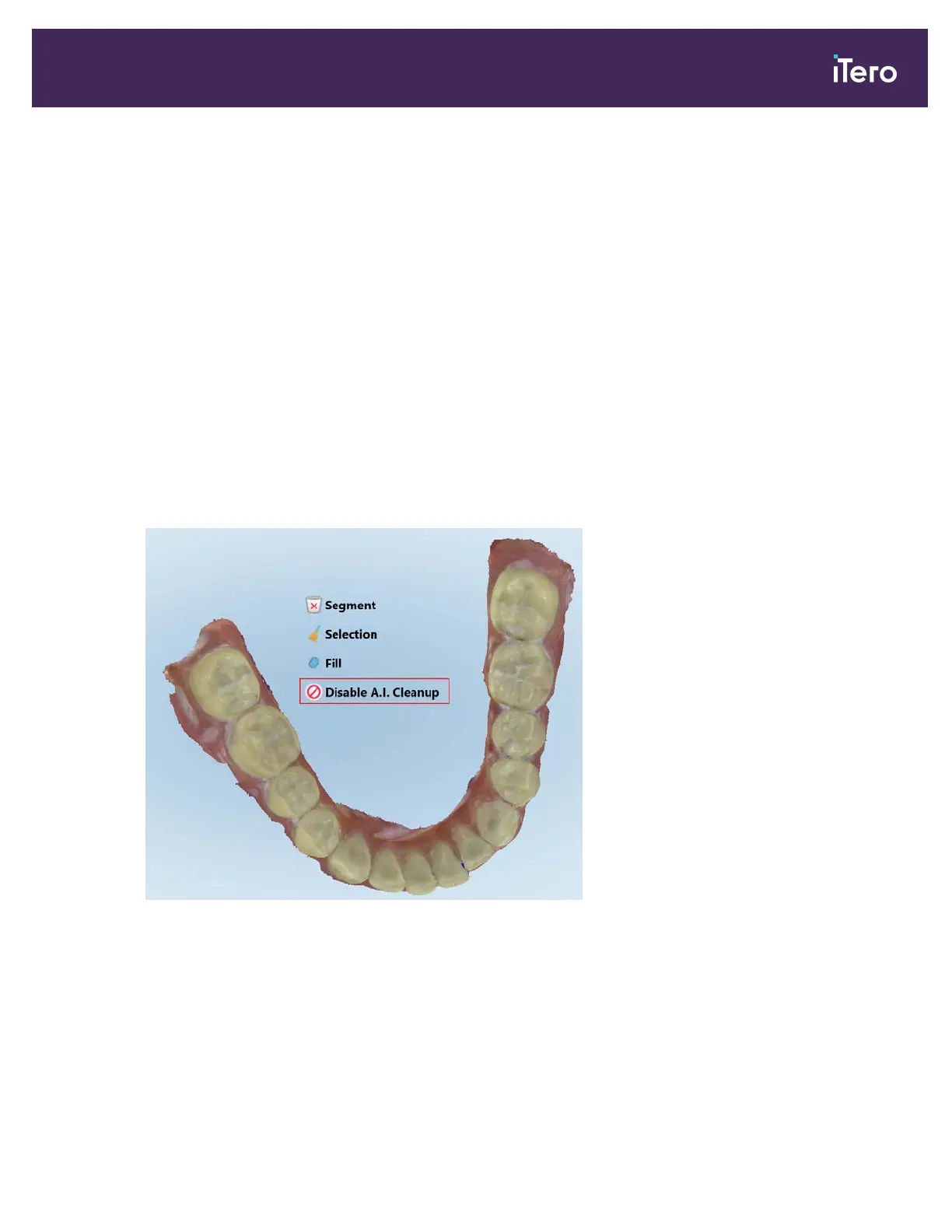
9.5.4 Disabling A.I. cleanup
By default, excess tissue is removed from around the edges of the 3D model during scanning. If required, you can
turn off this functionality for the current case.
Notes:
l This tool is not supported for edentulous gums.
l Disabling the A.I. cleanup is relevant for the current case only. Excess material will be removed by default in the
next scan.
To disable the A.I. cleanup:
1. Press the screen to display the editing tools.
2. Tap the Disable A.I. Cleanup tool.
Figure 146: Disable A.I. Cleanup tool
iTero Element® 5D Plus User manual
© 2020 Align Technology, Inc. All rights reserved. 131



 To Next Page