To register the scanner:
1. In the Welcome page, select the required language.
2. Tap Make It Mine.
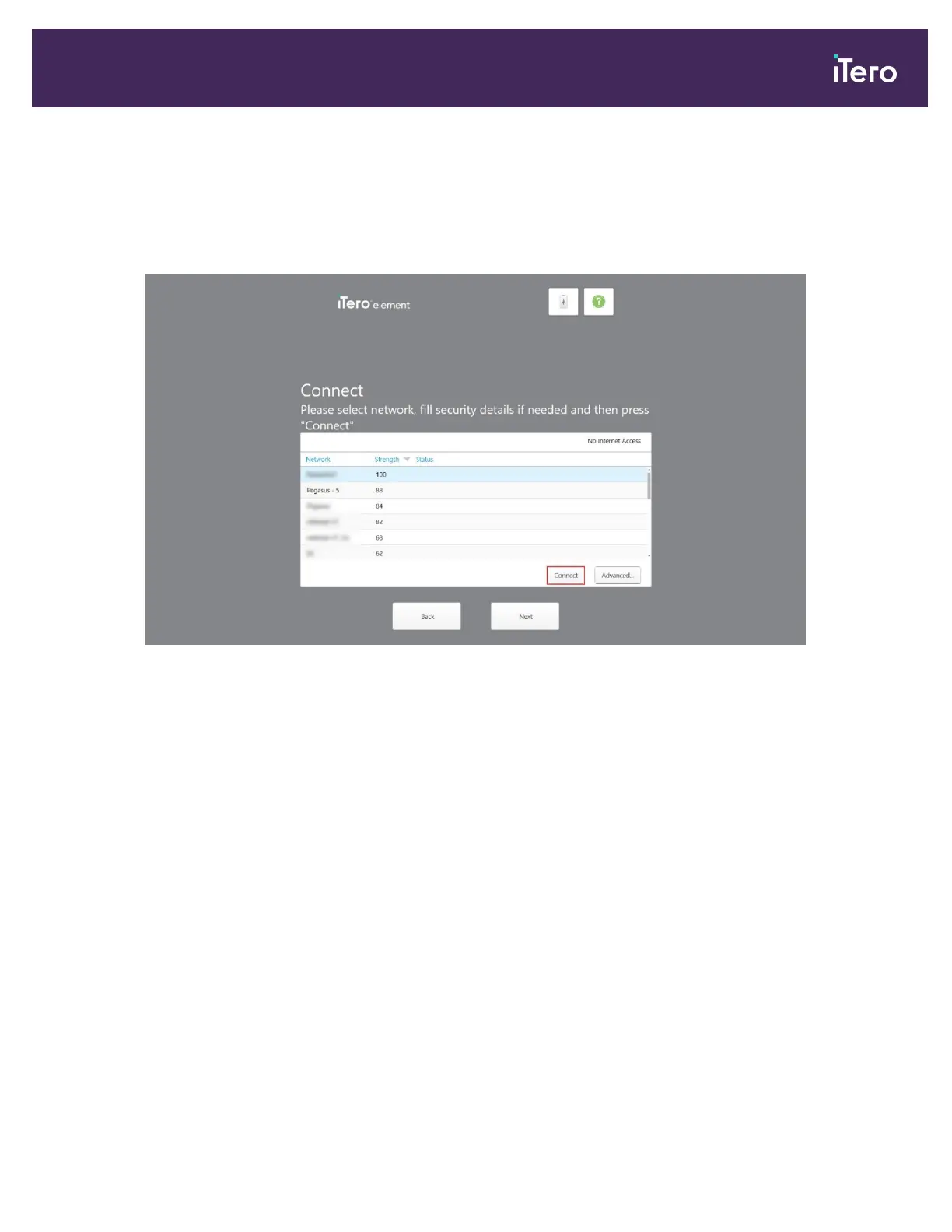
The Connect page is displayed, showing a list of available networks.
Figure 13: Connect page listing the available networks
iTero Element® 5D Plus User manual
© 2020 Align Technology, Inc. All rights reserved. 15



 To Next Page