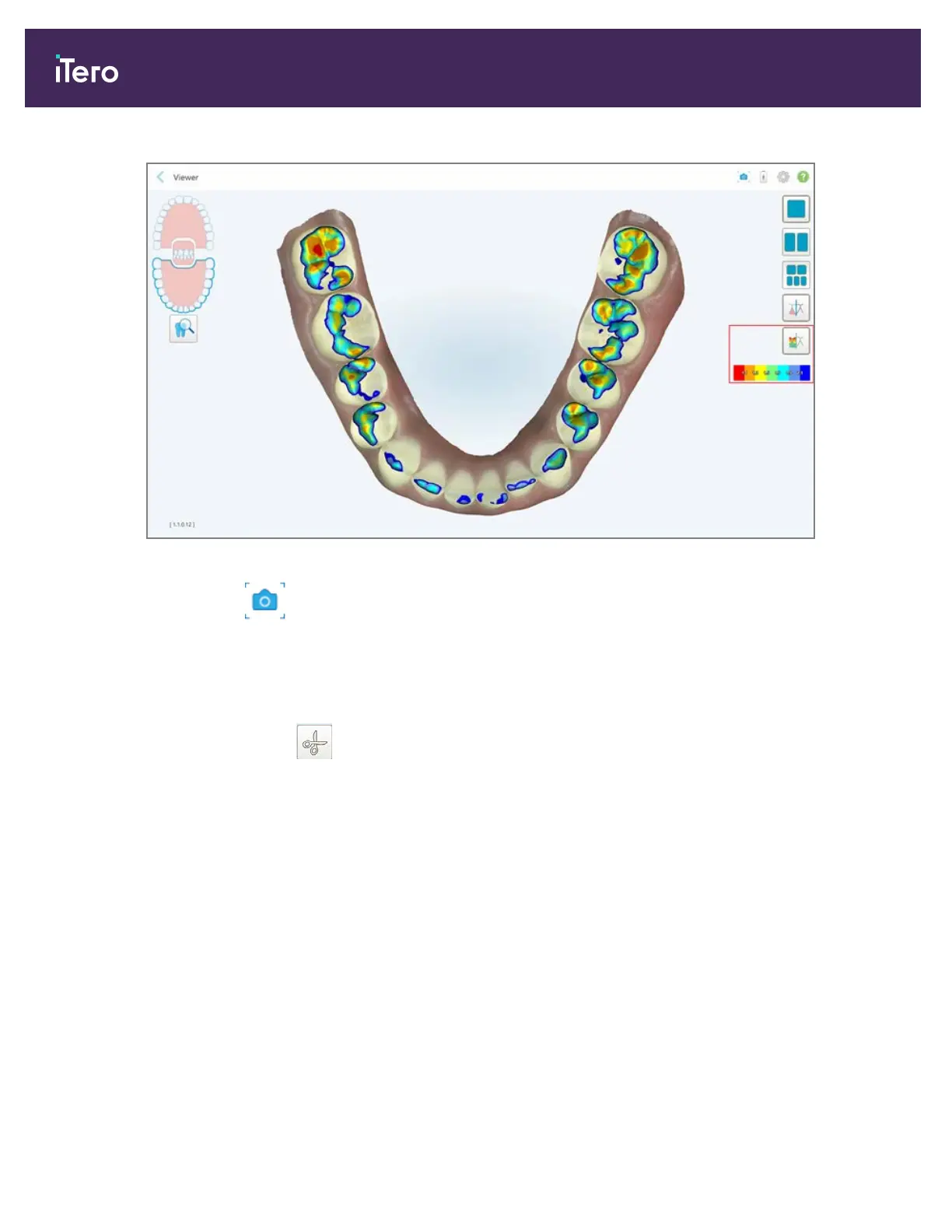
Figure 155: Occlusal Clearance tool and legend displayed in the Viewer
3.
If required, tap to take a screenshot of the occlusal clearance. For more information on capturing
screenshots and adding annotations, see section 9.11.
9.8 Working with the Edge Trimming tool
The Edge Trimming tool enables you to trim away excess soft tissue such as cheek or lip artifacts from the
scan. This tool is available for all case types, except Restorative case types.
iTero Element® 5D Plus User manual
138 © 2020 Align Technology, Inc. All rights reserved.



 To Next Page