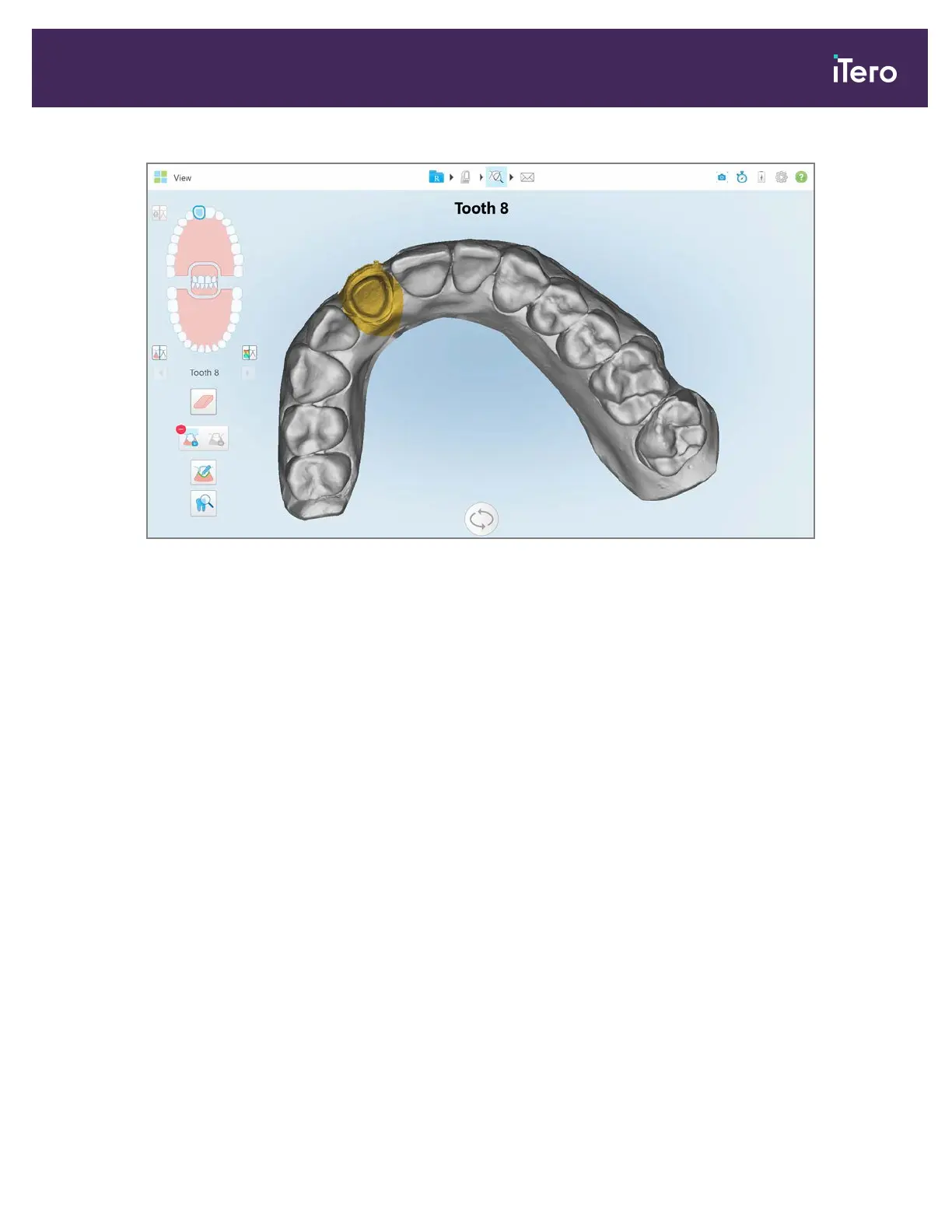
Figure 166: Prepped tooth is displayed in high resolution
9.10 Working with the Review tool
The View mode includes a Review tool that enables you to view the NIRI and colored intraoral images captured
during the scan, for every area of interest. These images are displayed one below the other in the image pane, on the
right of the View window.
In addition, you can:
l Zoom in and out of the images in the image pane, as described in section 9.10.1
l Adjust the brightness and contrast of the images in the image pane, as described in section 9.10.2
l Capture screenshots of the images, as described in section 9.11
When reviewing the 3D model as a NIRI image, the upper and lower jaw orientation has been set to look as if you are
looking into the patient’s mouth.
Note: If you notice an issue with a NIRI image, please contact Customer Support.
iTero Element® 5D Plus User manual
© 2020 Align Technology, Inc. All rights reserved. 145



 To Next Page