EasyManua.ls Logo

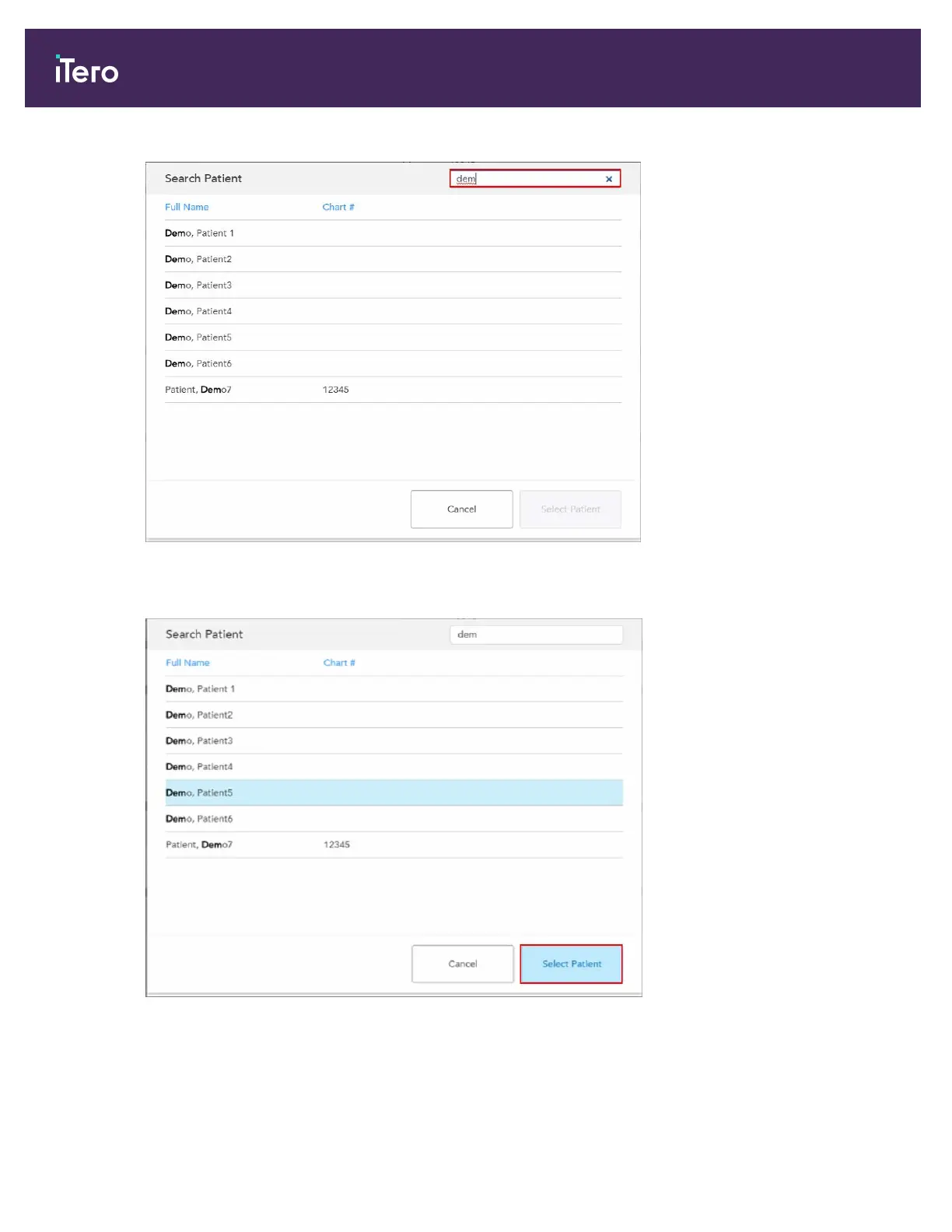
iTero Element 5D Plus - Figure 78: Search Criteria in the Search Field and List of Matching Patients; Figure 79: Selecting the Required Patient

iTero Element 5D Plus
208 pages
Print Icon
To Next Page IconTo Next Page
To Previous Page IconTo Previous Page
Loading...
Figure 78: Search criteria in the search field and list of matching patients
3. Select the required patient, and then tap Select Patient.
Figure 79: Selecting the required patient
The selected patient is displayed in the New Scan window.
iTero Element® 5D Plus User manual
72 © 2020 Align Technology, Inc. All rights reserved.


Table of Contents

Related product manuals