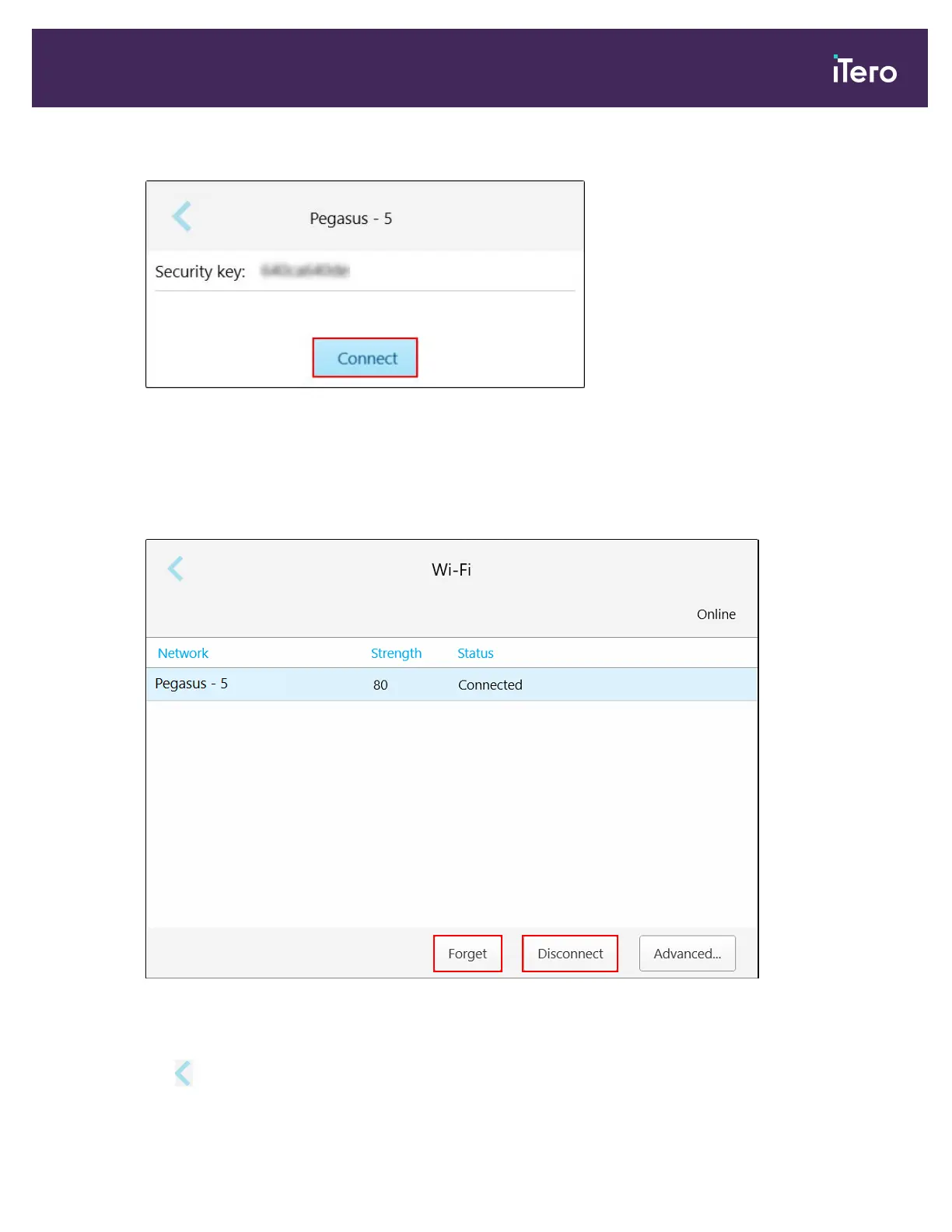
3. Enter the network security key (password) in the window that opens and then tap Connect.
Figure 50: Connecting to the clinic Wi-Fi network
The scanner connects to the Wi-Fi network, and the status changes to Connected.
4.
If you do not want to connect to the network automatically, tap the network you are connected to and then tap
Forget.
You will need to select the required network and enter the Wi-Fi password the next time you want to connect.
Figure 51: Forgetting or Disconnecting from the network
5. To disconnect from the network, tap Disconnect.
6.
Tap to save the settings and return to the Settings window.
iTero Element® 5D Plus User manual
© 2020 Align Technology, Inc. All rights reserved. 45



 To Next Page