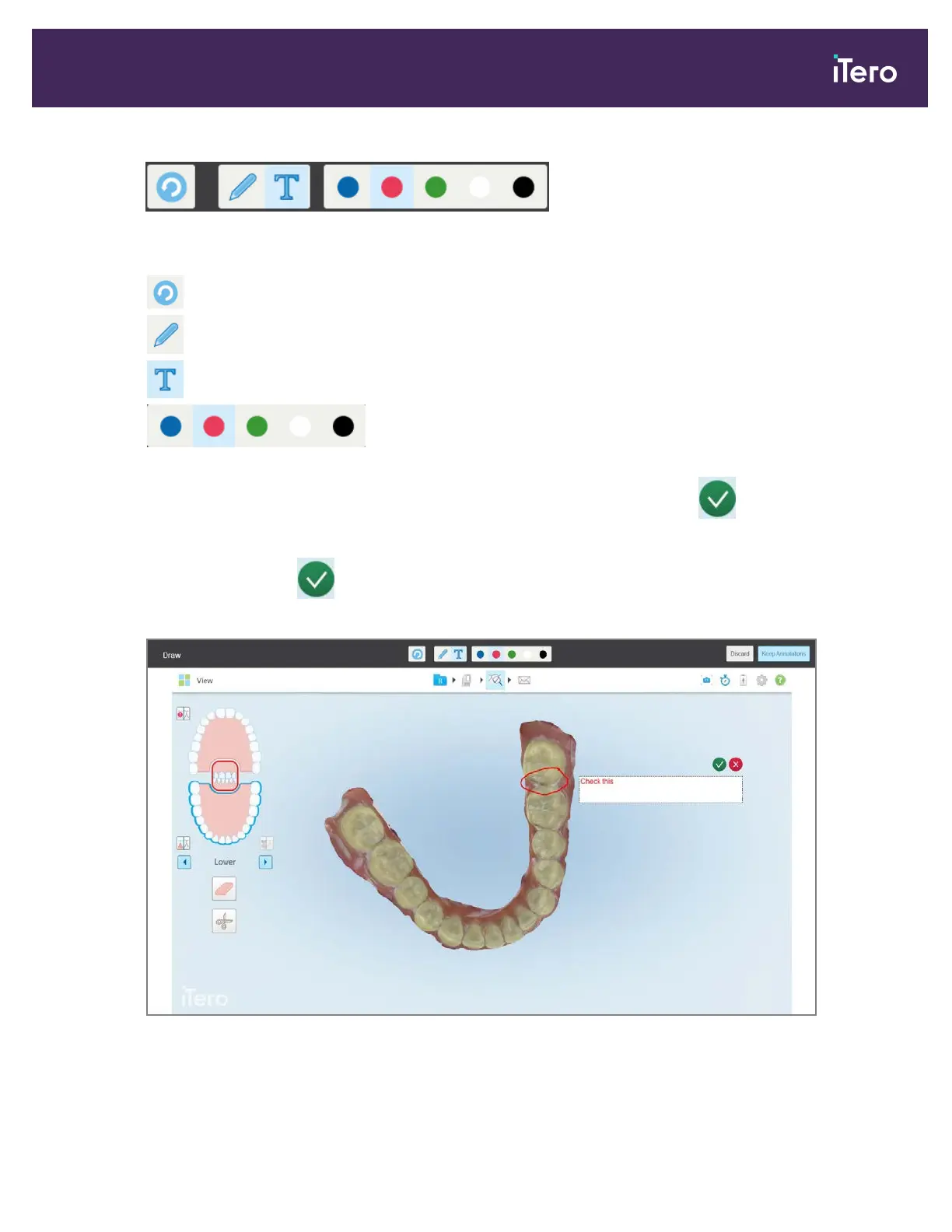
Figure 176: Annotations toolbar
The annotations toolbar contains the following buttons:
Tap to undo previous annotations.
Tap to draw on the screenshot.
Tap to enter text on the screenshot.
Tap the color for the drawing and text. By default, these will be the
same color.
3.
Tap the required tool and color and then add your annotations. After adding text, tap to save the text in the
color selected.
Note: If you do not tap after entering text, the color of the text will be changed if you select a different color
for the next annotation.
Figure 177: Adding text to the screenshot
iTero Element® 5D Plus User manual
© 2020 Align Technology, Inc. All rights reserved. 153



 To Next Page