EasyManua.ls Logo

iTero Element 5D Plus - Figure 23: Itero Element Logo; Figure 24: Demo Mode Option

iTero Element 5D Plus
208 pages
Print Icon
To Next Page IconTo Next Page
To Previous Page IconTo Previous Page
Loading...
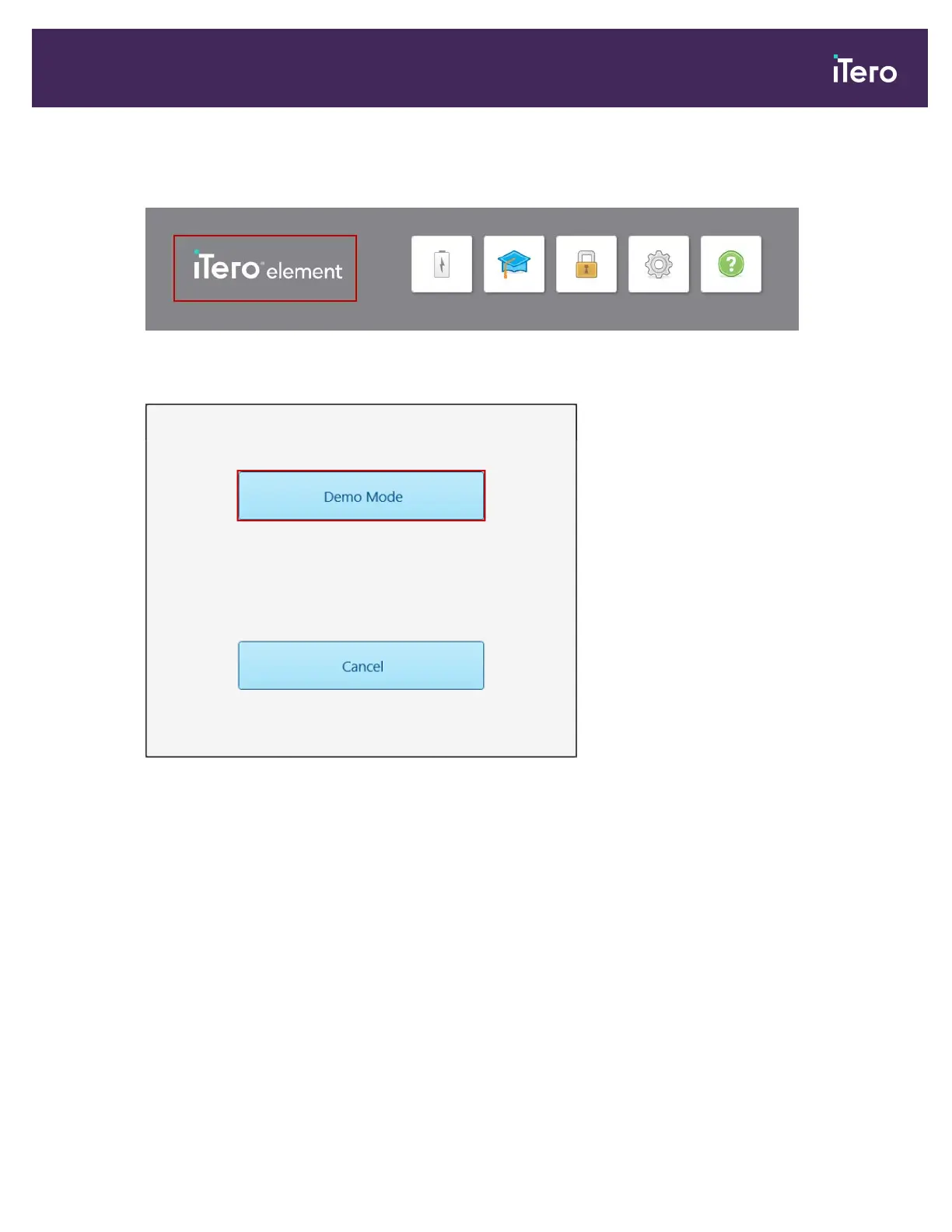
To enter Demo Mode after logging in:
1. Tap the iTero Element logo at the top of the scanner screen.
Figure 23: iTero Element logo
2. Tap Demo Mode.
Figure 24: Demo Mode option
iTero Element® 5D Plus User manual
© 2020 Align Technology, Inc. All rights reserved. 21


Table of Contents

Related product manuals