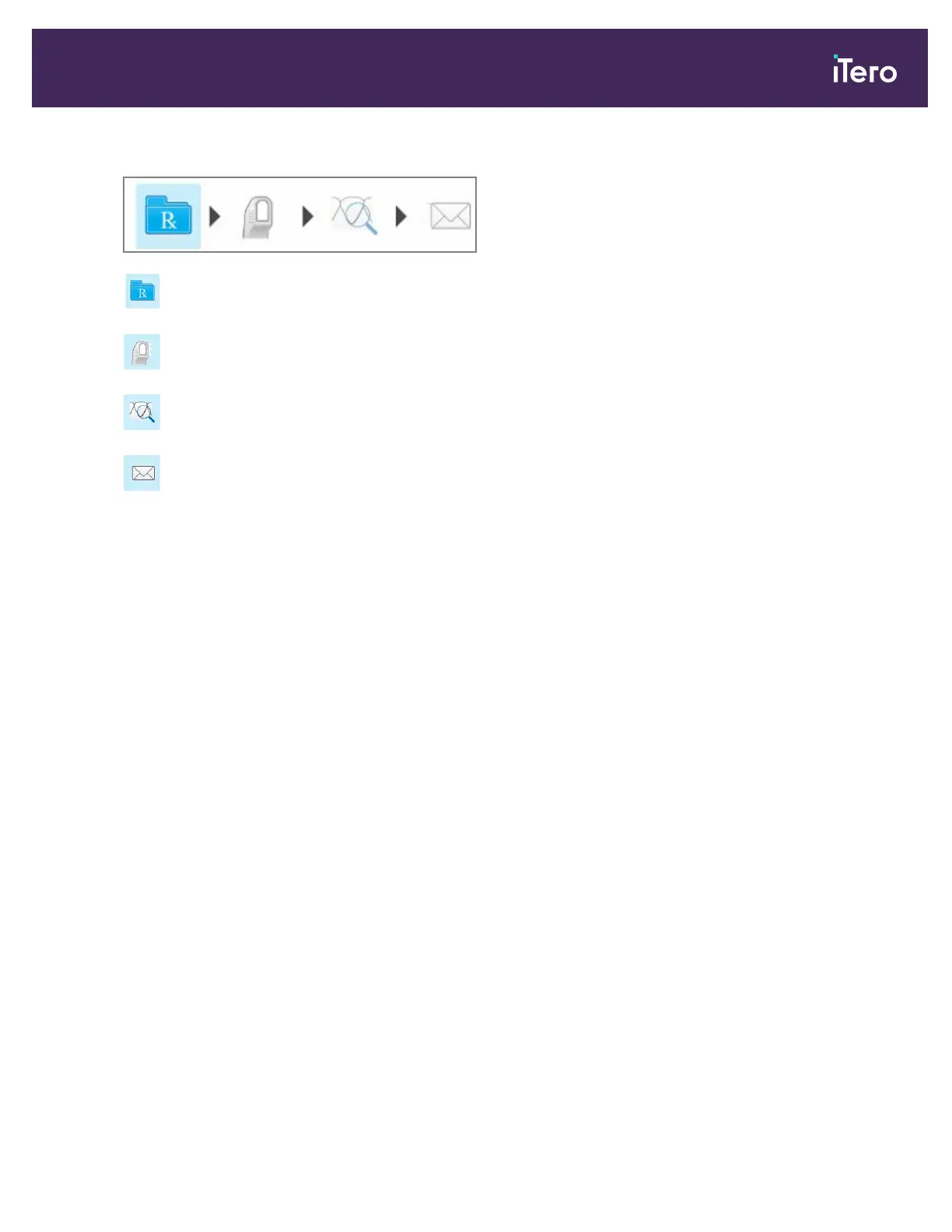
The scanning process requires the following steps, which are displayed on the toolbar:
Filling in the Rx, described in section 4.4
Scanning the patient, described in section 4.5
Viewing the scan, described in section 4.6
Sending the scan to the lab, described in section 4.6.2
Your current progress is highlighted on the toolbar.
4.3 Patient management
You control the patient’s data-management process from the Patient area in the New Scan window.
l Add a new patient, as described in section 4.3.1
l Search for an existing patient, as described in section 4.3.2
l Edit a patient’s details, as described in section 4.3.3
l Clear the patient data from the New Scan window, as described in section 4.3.4
iTero Element® 5D Plus User manual
© 2020 Align Technology, Inc. All rights reserved. 65



 To Next Page