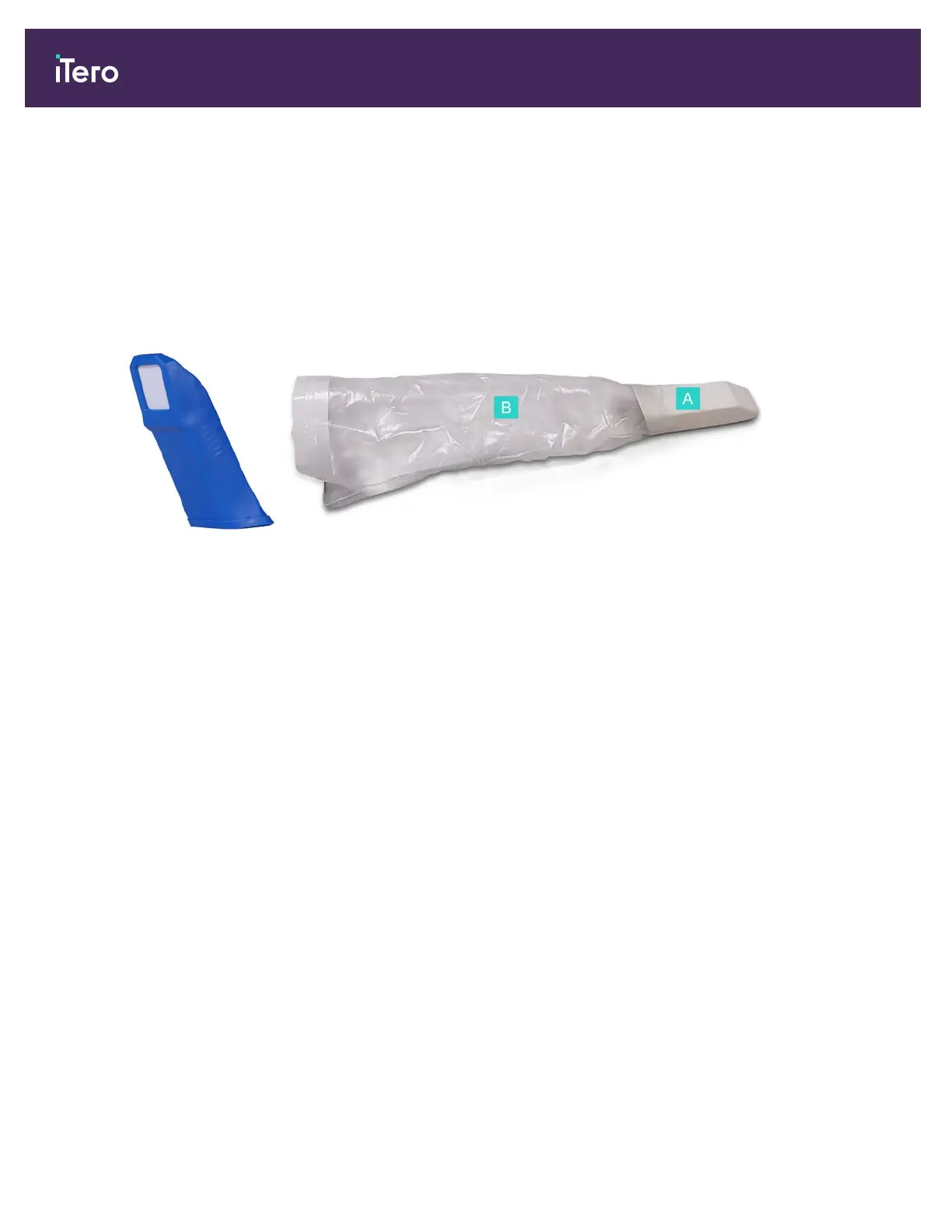
1.3.1.1 Protective sleeves and wand barrier sleeves
The following accessories must be used with the iTero Element 5D Plus wand:
l Protective sleeve: When the scanner is not in use, use the blue protective sleeve to protect the optical surface of
the wand.
l Wand barrier sleeve: Before scanning a patient, attach a new wand barrier sleeve, as described in section 4.1.
A Rigid
section of
the wand
barrier
sleeve
B Transparent
sheath
Figure 4: Protective
sleeve
Figure 5: Wand barrier sleeve
1.4 iTero Element 5D Plus software
The iTero Element 5D Plus system contains the following exclusive software features:
l Confirmation that a new wand sleeve is used before scanning, described in section 4.4.3
l Toggling between the 3D and the viewfinder display while scanning, described in section 4.5.4
l Toggle between displaying a color image or a NIRI image in the viewfinder, as described in section 4.5.5
l Viewing an area of interest after scanning using the Review tool, described in section 9.10
iTero Element® 5D Plus User manual
4 © 2020 Align Technology, Inc. All rights reserved.



 To Next Page