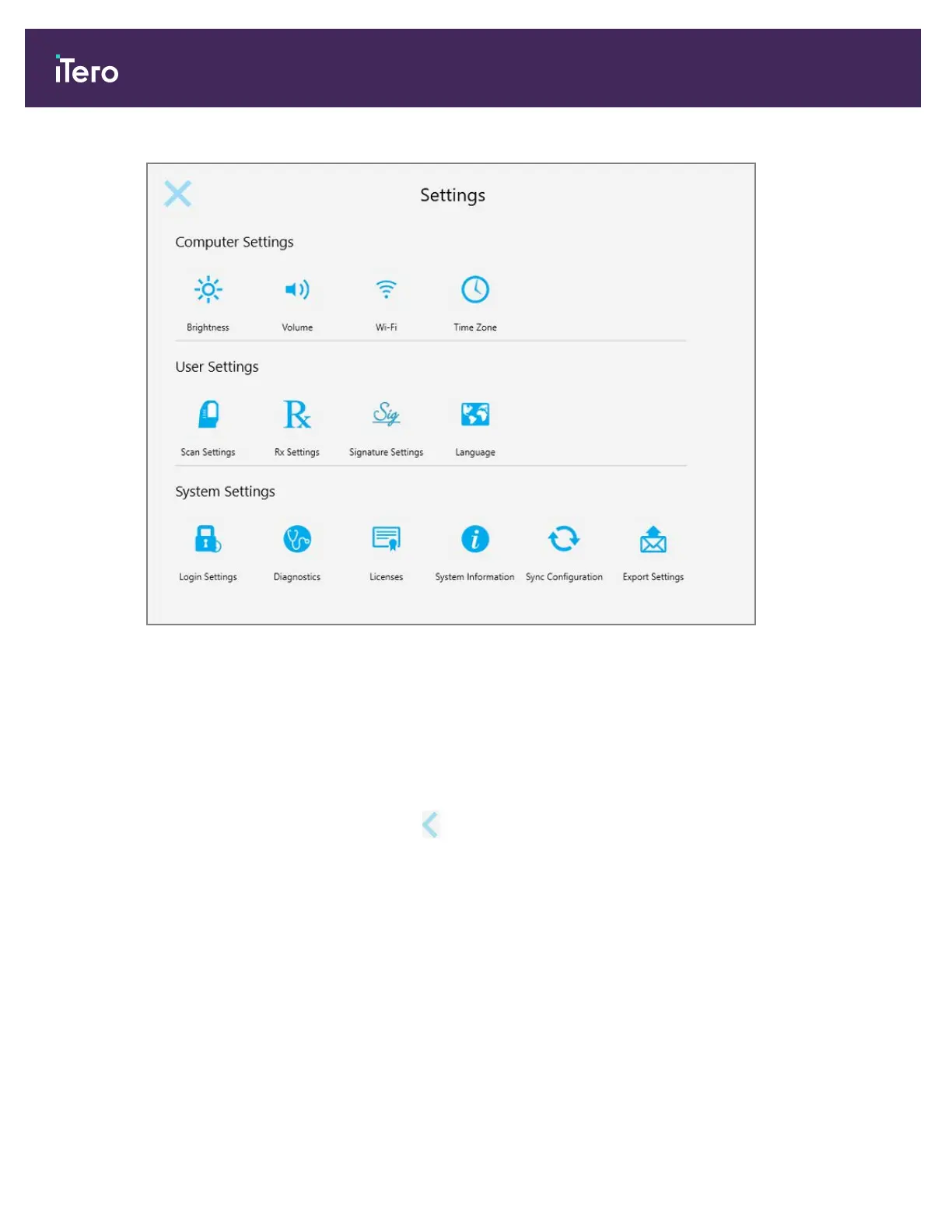
Figure 46: Settings window
2. Tap the settings you would like to define.
o
Computer settings, described in section 3.6.1
o
User settings, defined in section 3.6.2
o
System settings, defined in section 3.6.3
The relevant window opens.
3.
Make your required changes and then tap to save the changes and return to the Settings window.
iTero Element® 5D Plus User manual
42 © 2020 Align Technology, Inc. All rights reserved.



 To Next Page