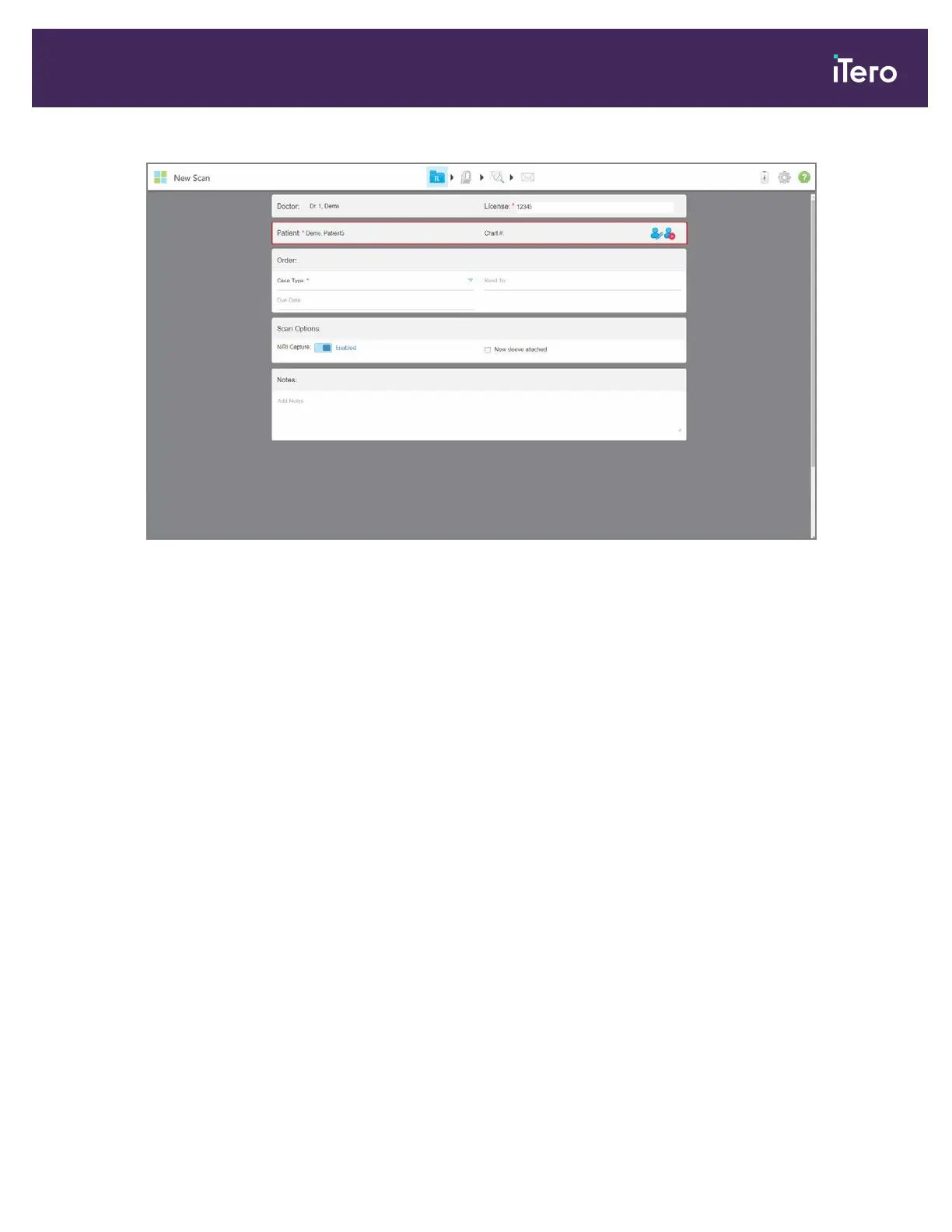
Figure 80: Selected patient displayed in the New Scan window
4.3.3 Editing the patient details
After you have searched for and selected a patient, or after you have added a new patient, you can edit the patient’s
details.
In addition, you can edit the patient’s details when opening the Rx from the patient’s profile page, as described in
section 5.4.
To edit a patient’s details:
1. Search for an existing patient, as described in section 4.3.2.
The patient is displayed in the New Scan window.
iTero Element® 5D Plus User manual
© 2020 Align Technology, Inc. All rights reserved. 73



 To Next Page