3.6.1.3 Defining the Wi-Fi settings
The first time you connect the scanner to the clinic’s Wi-Fi network, you will need to add the password. After that, by
default, the scanner will connect automatically.
To connect to the Wi-Fi network:
1. Tap the Wi-Fi button.
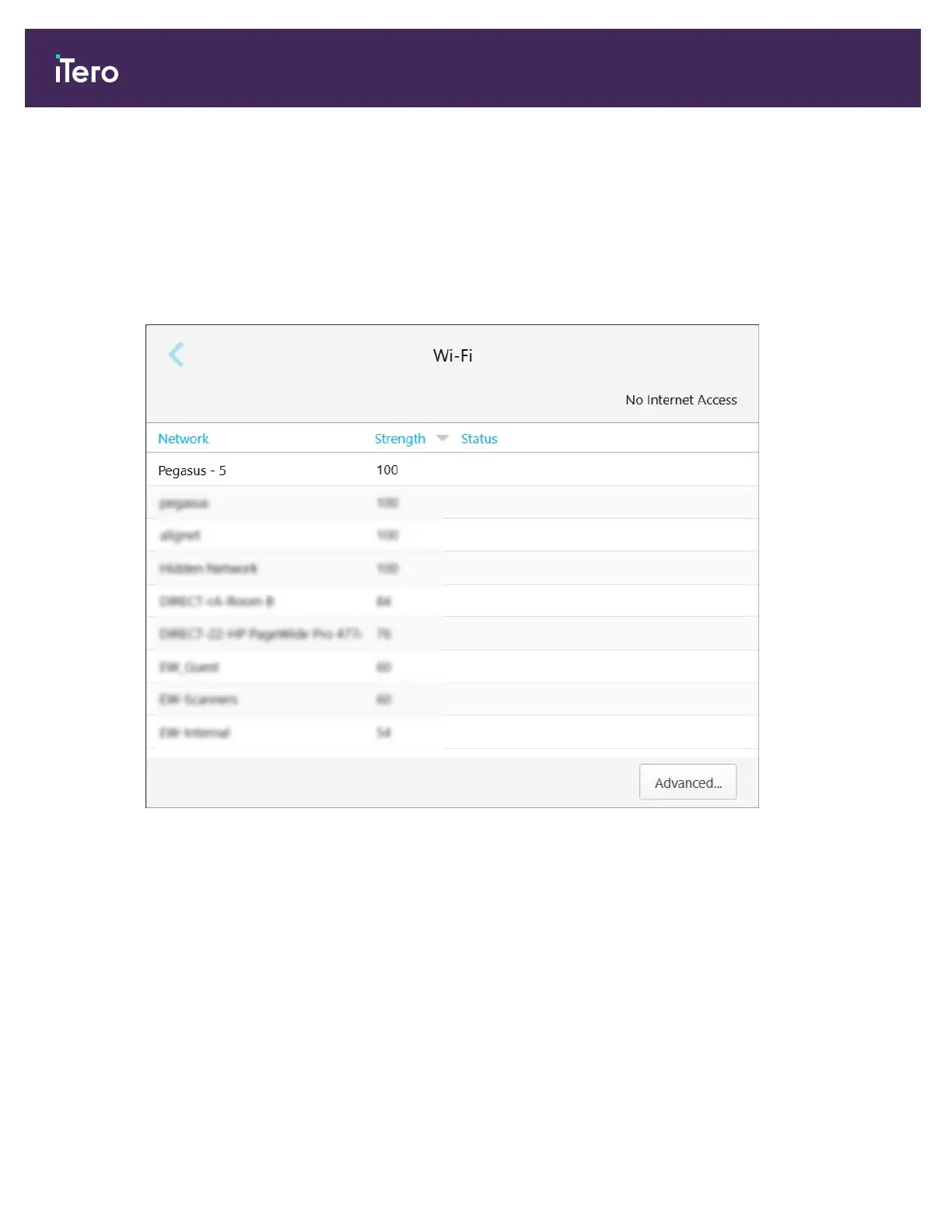
A list of nearby Wi-Fi networks is displayed.
Figure 49: List of nearby Wi-Fi networks
2. Select the clinic network, for example, Pegasus - 5, and then tap Connect.
iTero Element® 5D Plus User manual
44 © 2020 Align Technology, Inc. All rights reserved.



 To Next Page