3.5.2 Touch-screen gestures
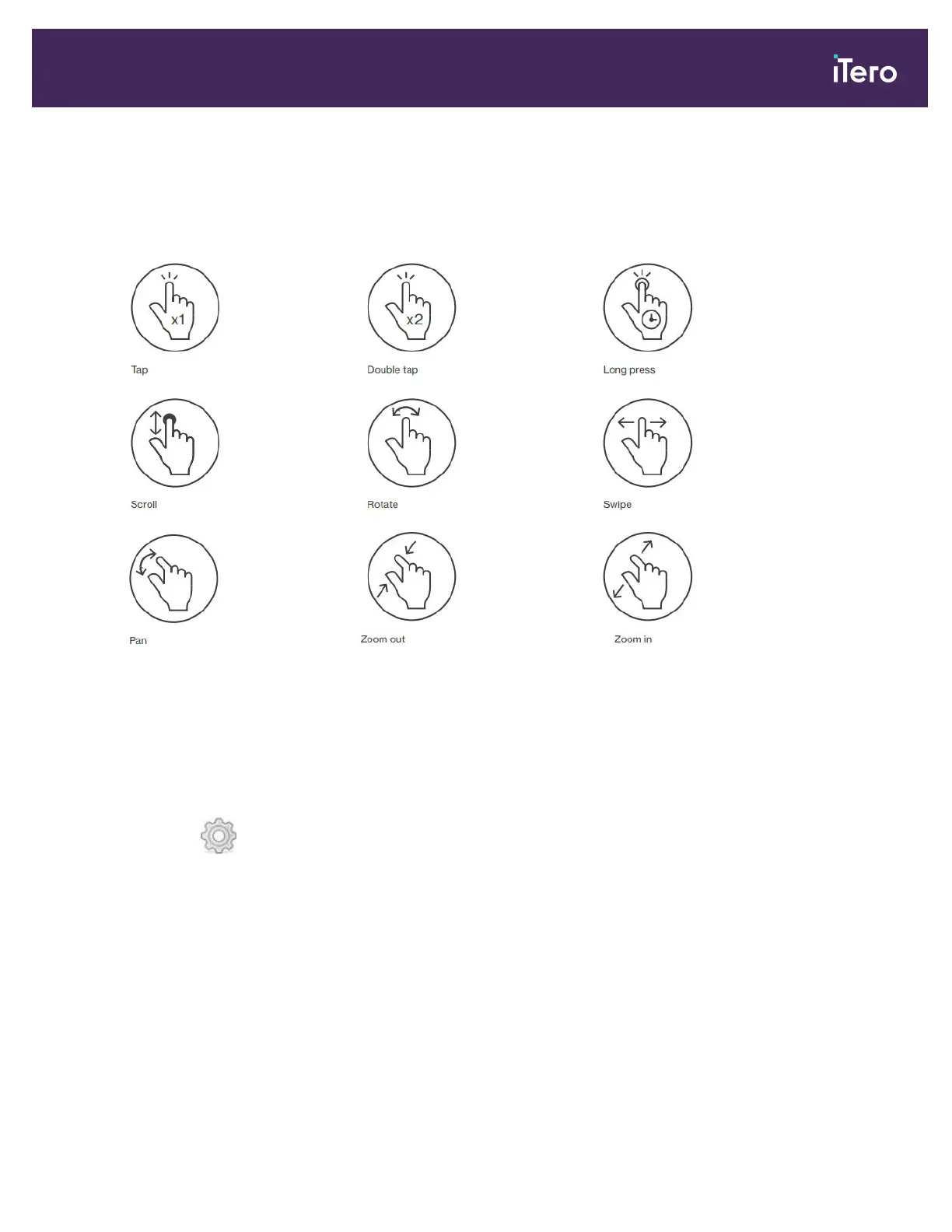
The iTero software supports touch-screen (also known as multi-touch) gestures. These gestures are predefined
motions used to interact with multi-touch devices.
Examples of common touch-screen gestures:
3.6 Defining the scanner settings
The scanner settings enable you to define your preferences and the settings that are displayed by default when you
use the scanner.
To define the scanner settings:
1.
Tap the button.
The Settings window is displayed.
iTero Element® 5D Plus User manual
© 2020 Align Technology, Inc. All rights reserved. 41



 To Next Page