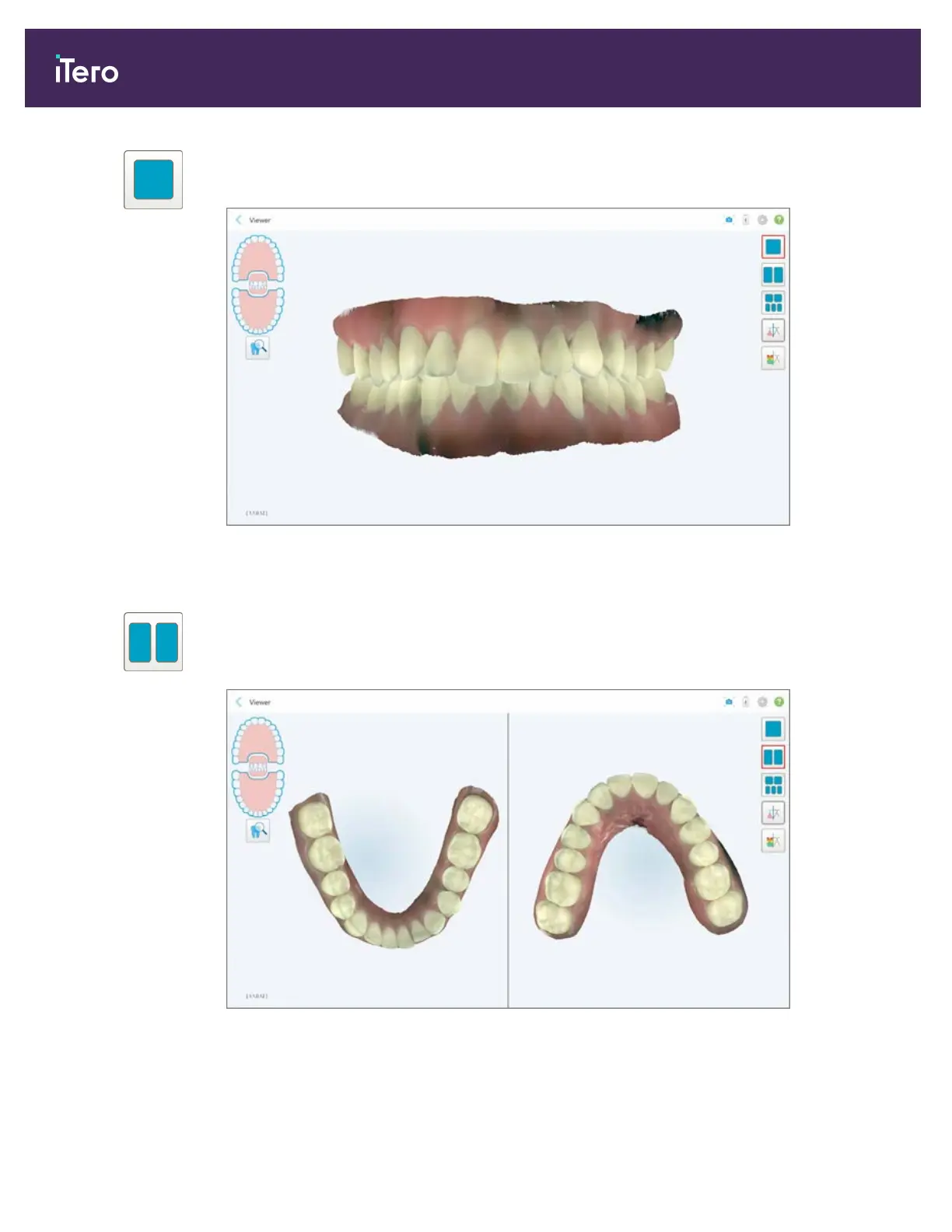
Display the model in a 1-window view, with the upper and lower jaws in the same
window (Frontal view).
Figure 112: Model in a 1-window view
Relevant for Orthodontic case types only.
Display the model in a 2-window view, with the upper and lower jaws in separate
windows (Occlusal view). Each model can be controlled separately, for better
evaluation.
Figure 113: Model in a 2-window view
Relevant for Orthodontic case types only.
iTero Element® 5D Plus User manual
100 © 2020 Align Technology, Inc. All rights reserved.



 To Next Page