4.5.3.3 Switching to the next scan segment
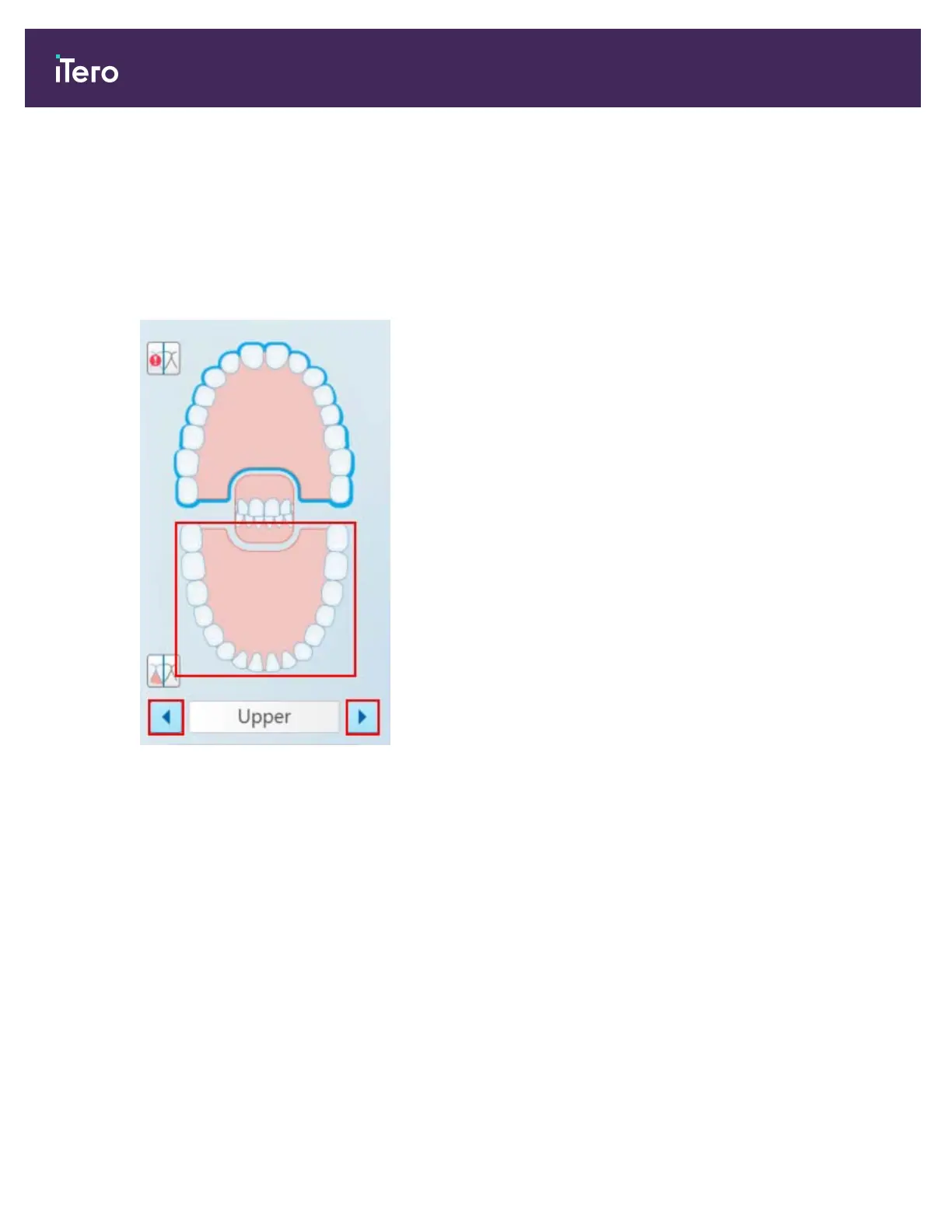
During scanning, the current segment is highlighted in blue in the navigation controls, and also displayed in the
segment indicator box, between the arrows.
You can move to the next segment by:
l Tapping on the relevant arch, prepped tooth, or bite segment
l Tapping the arrows
Figure 102: Tap the opposite arch or tap the arrows to select it
l Swiping to the left or the right on the wand touchpad.
Note: To enable the wand touchpad, press and release both wand buttons simultaneously.
4.5.4 Toggling the 3D and viewfinder display
By default, when scanning the patient’s teeth, a large 3D image of the scan is displayed in the center of the screen
and the area currently being scanned is displayed in the viewfinder on the bottom left of the window.
In order to facilitate exploring a specific area of interest, you can switch the display to show an enlarged viewfinder in
the center of the window, and a smaller 3D image displayed on the side of the window.
iTero Element® 5D Plus User manual
92 © 2020 Align Technology, Inc. All rights reserved.



 To Next Page