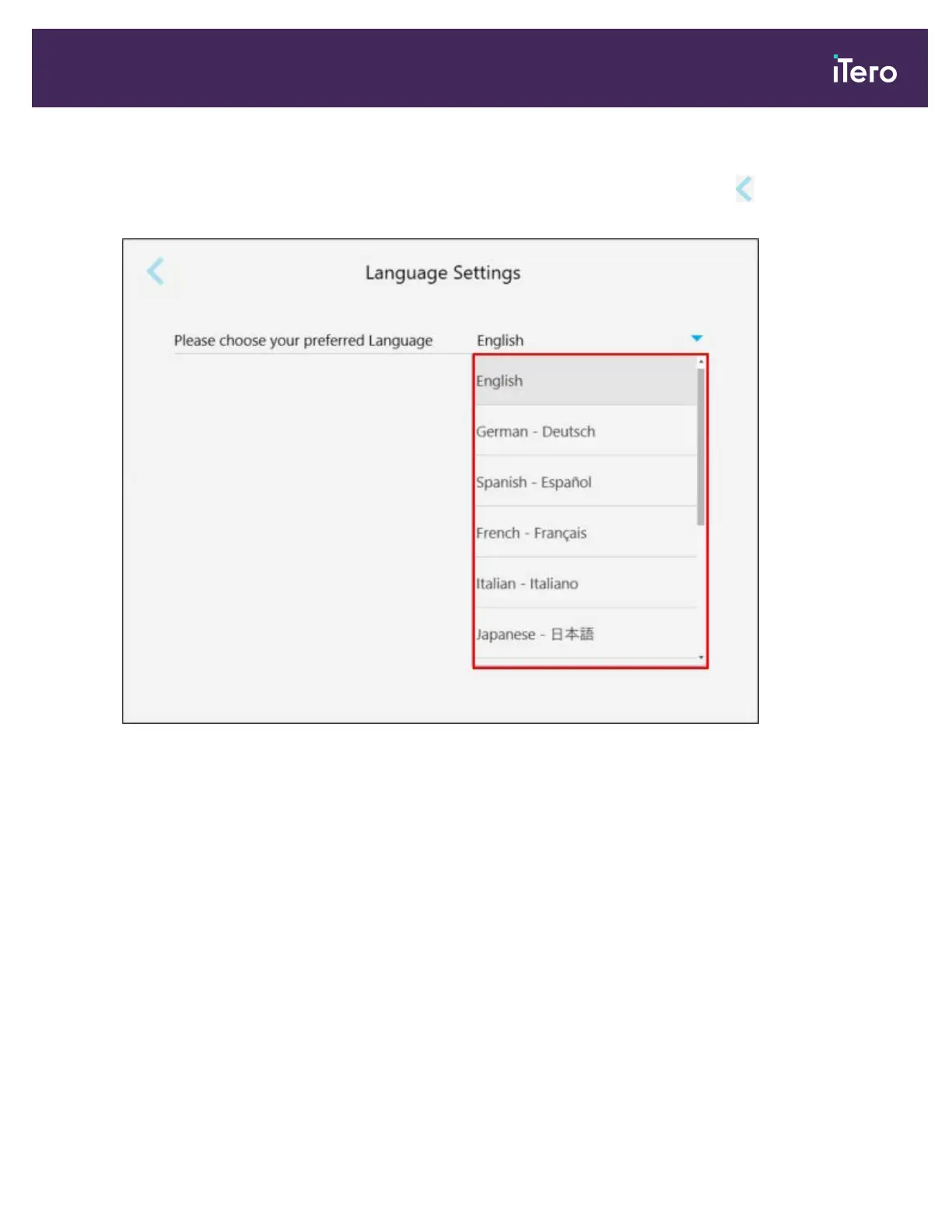
3.6.2.5 Defining the language settings
Tap the Language button, select the required language from the drop-down list, and then tap to save the changes
and return to the Settings window.
Figure 60: Language Settings window
3.6.3 Defining the System settings
The System settings enable you to set the login settings, run diagnostics, view the licenses, view the system
information, synchronize new updates from the server, and define the export settings.
3.6.3.1 Defining the login settings
In order to comply with privacy and security regulations, you will be logged out of the scanner after a predefined
period of inactivity. By default, this time is set to 1 hour, but you can change it if required.
Notes:
l To ensure patient privacy, it is recommended to not increase the inactivity period to more than the default 1 hour.
l You will not be logged out of the scanner while the scanner is in Scan mode.
iTero Element® 5D Plus User manual
© 2020 Align Technology, Inc. All rights reserved. 55



 To Next Page