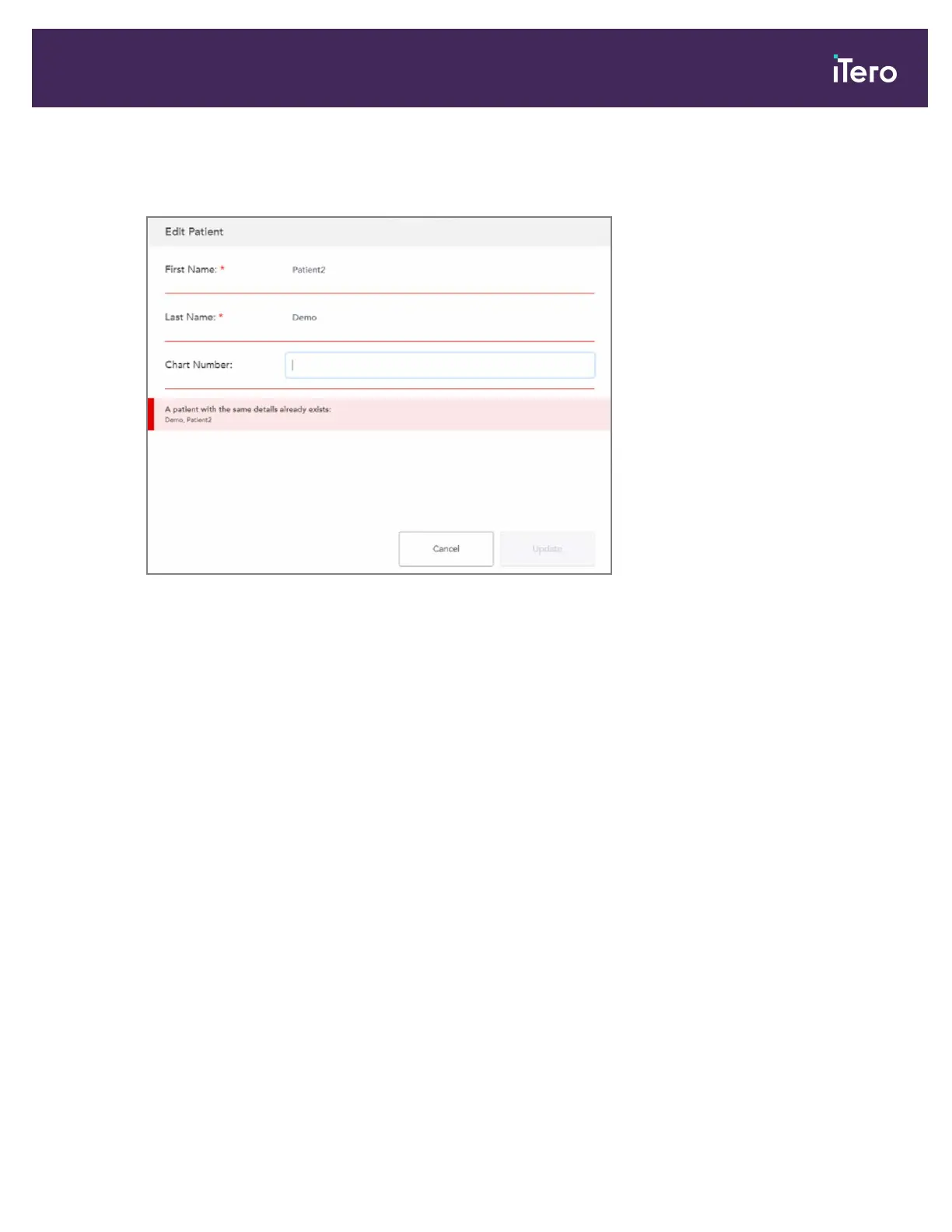
If, while editing the patient’s name, you enter the same details as an existing patient, a message is displayed
notifying you of such.
Figure 83: Message that a patient with the same details already exists
To differentiate between patients with the same details, use a chart number.
4.3.4 Clearing the patient details from the New Scan window
If required, you can remove the currently-displayed patient’s details from the New Scan window.
iTero Element® 5D Plus User manual
© 2020 Align Technology, Inc. All rights reserved. 75



 To Next Page