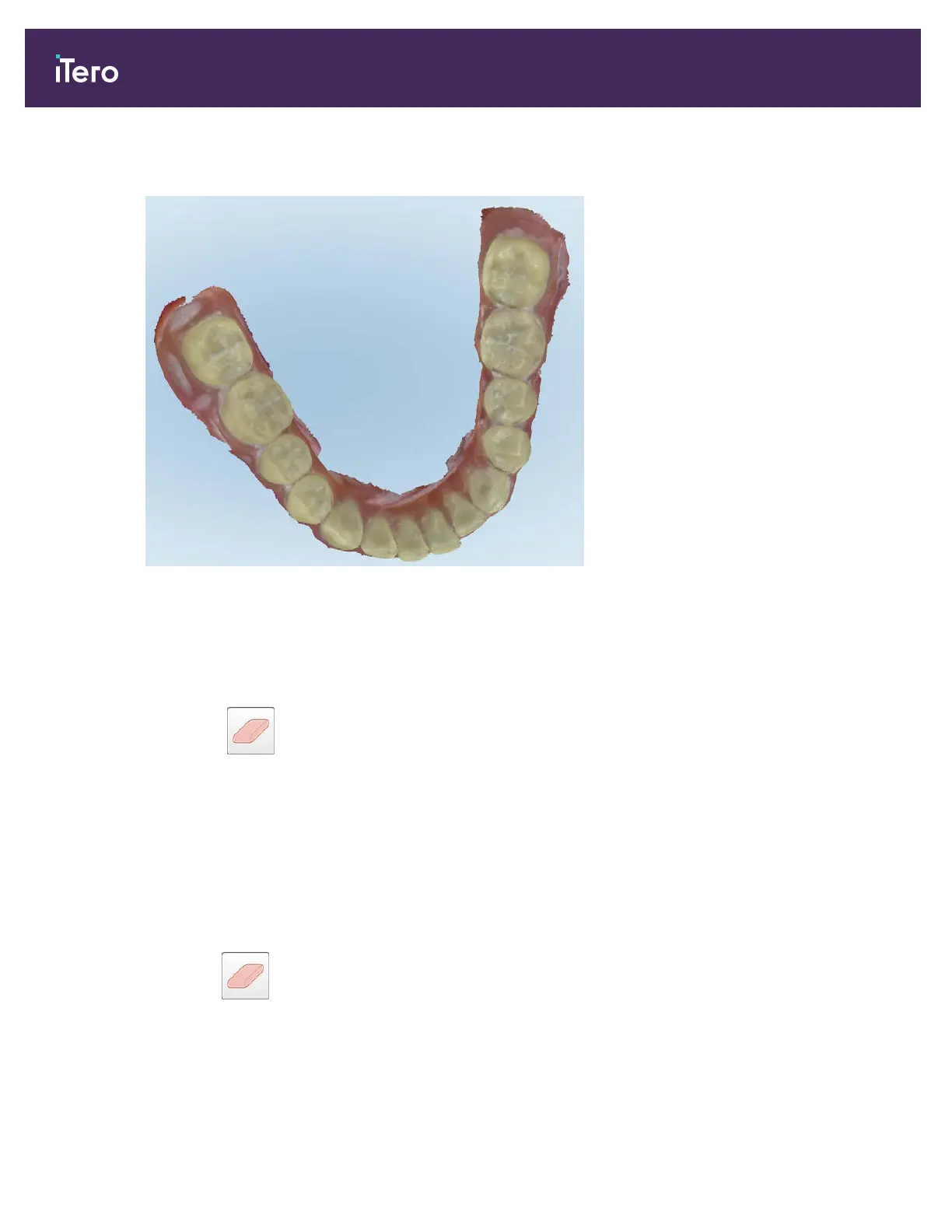
The scan is displayed with the excess material showing.
Figure 147: Scan displayed with excess material showing
3. To return the excess tissue, press the screen to display the editing options and then tap Enable A.I. Cleanup.
9.6 Working with the Eraser tool
The Eraser tool enables you to erase a selected area of the scanned model and then rescan only the erased
area.
For example:
l You can remove moisture and artifacts, such as blood or saliva, that are covering the margin.
l If the prepped tooth shows areas of red on the Occlusal Clearance legend, you can reduce the prepped tooth,
erase the area on the model, and then rescan it, as described below.
To erase part of the scan:
1. In the View window, ensure you are in Buccal view and on the relevant section to be erased, and then tap the
Eraser tool .
iTero Element® 5D Plus User manual
132 © 2020 Align Technology, Inc. All rights reserved.



 To Next Page