Tap to adjust the scanner preferences, for example, for wand configuration, localization,
user settings, and more.
For more information on the Settings preferences, see section 3.6.
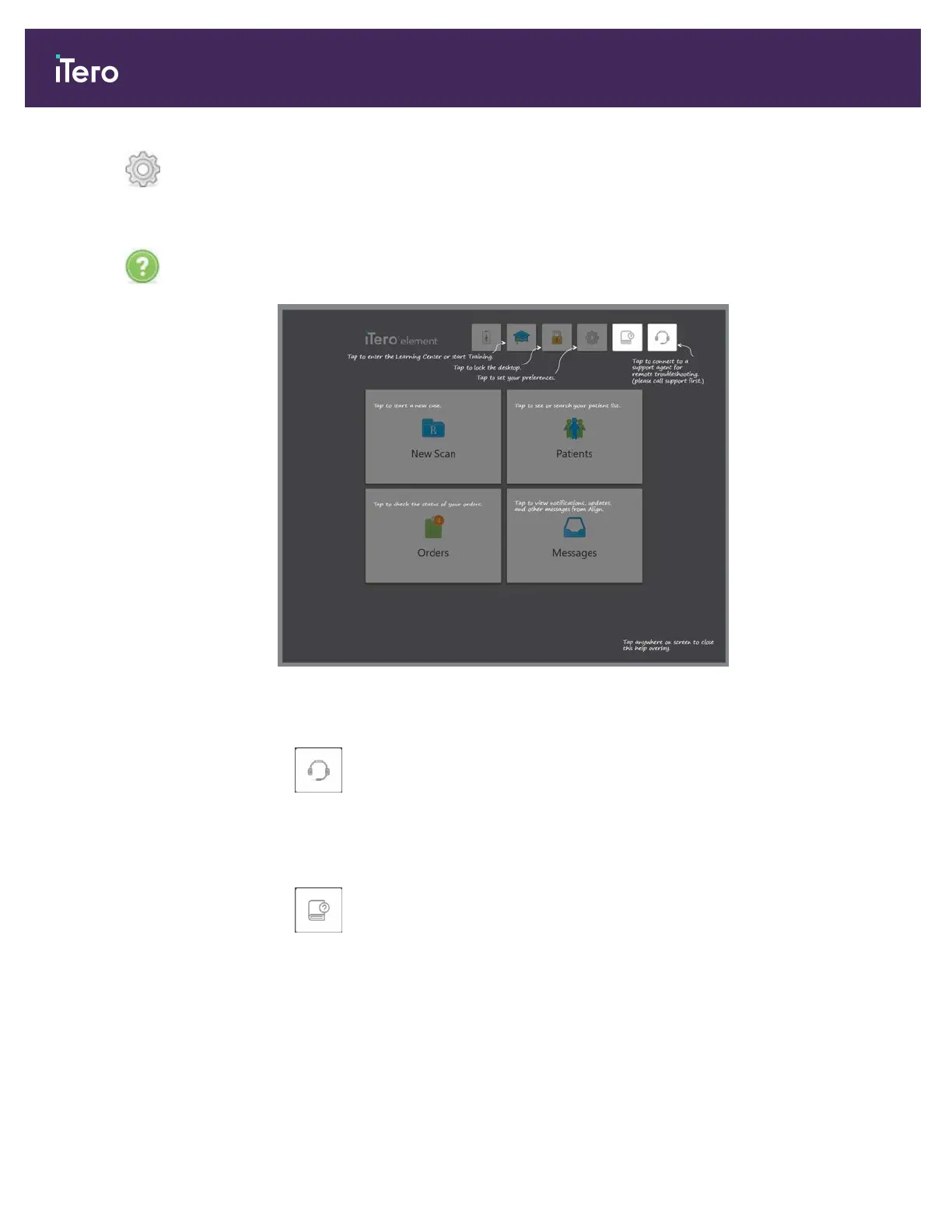
Tap to display a translucent Help overlay with hints to aid in the navigation of features
and tools.
Figure 45: Help overlay
In this view, the button changes to two additional buttons:
l
Tap for remote assistance from Customer Support. Customer Support is available
from every Help overlay.
Note: Please call Customer Support before trying to connect remotely.
l
Tap to access the iTero Element 5D Plus e-manual.
Tap anywhere to close the Help screen and return to the relevant screen.
iTero Element® 5D Plus User manual
40 © 2020 Align Technology, Inc. All rights reserved.



 To Next Page