You can zoom in to the image in the animation window or tap the pause button to pause the animation.
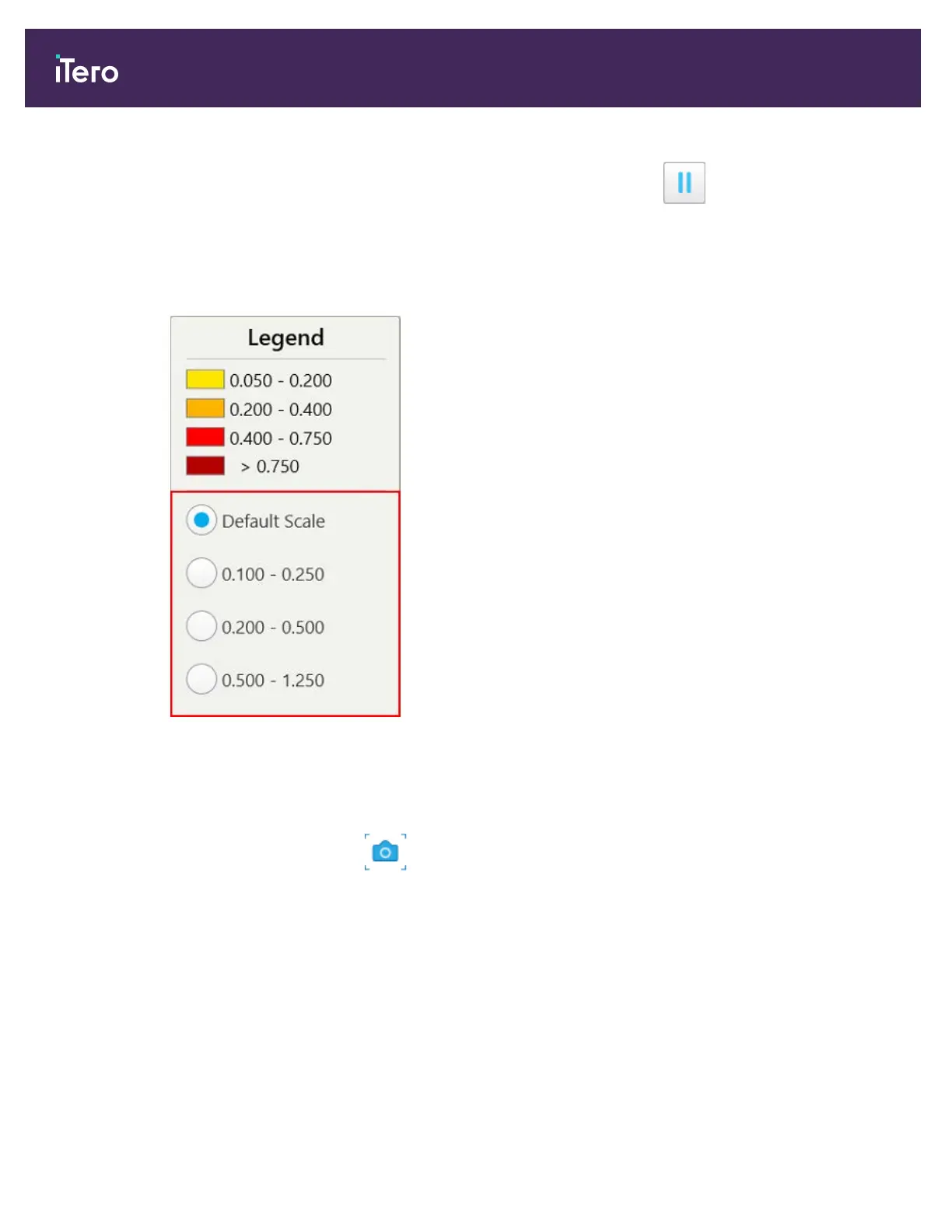
If required, you can change the scale of the changes displayed.
a. On the legend, tap Scale.
The legend is expanded to display a list of ranges, in millimeters:
Figure 137: iTero TimeLapse scale options
b. Select the required scale.
The changes are displayed according to the new scale.
5.
If required, tap the Snapshot tool to capture a screenshot of the images. For more information, refer to
section 9.11.
9.2 Invisalign Go system
Invisalign Go is a low-stage aligner product that helps you assess and treat patients in just a few taps, with guidance
every step of the way.
For more information regarding the Invisalign Go System, refer to the Invisalign documentation.
iTero Element® 5D Plus User manual
124 © 2020 Align Technology, Inc. All rights reserved.



 To Next Page