To edit the export settings:
1. Tap the Export Settings button.
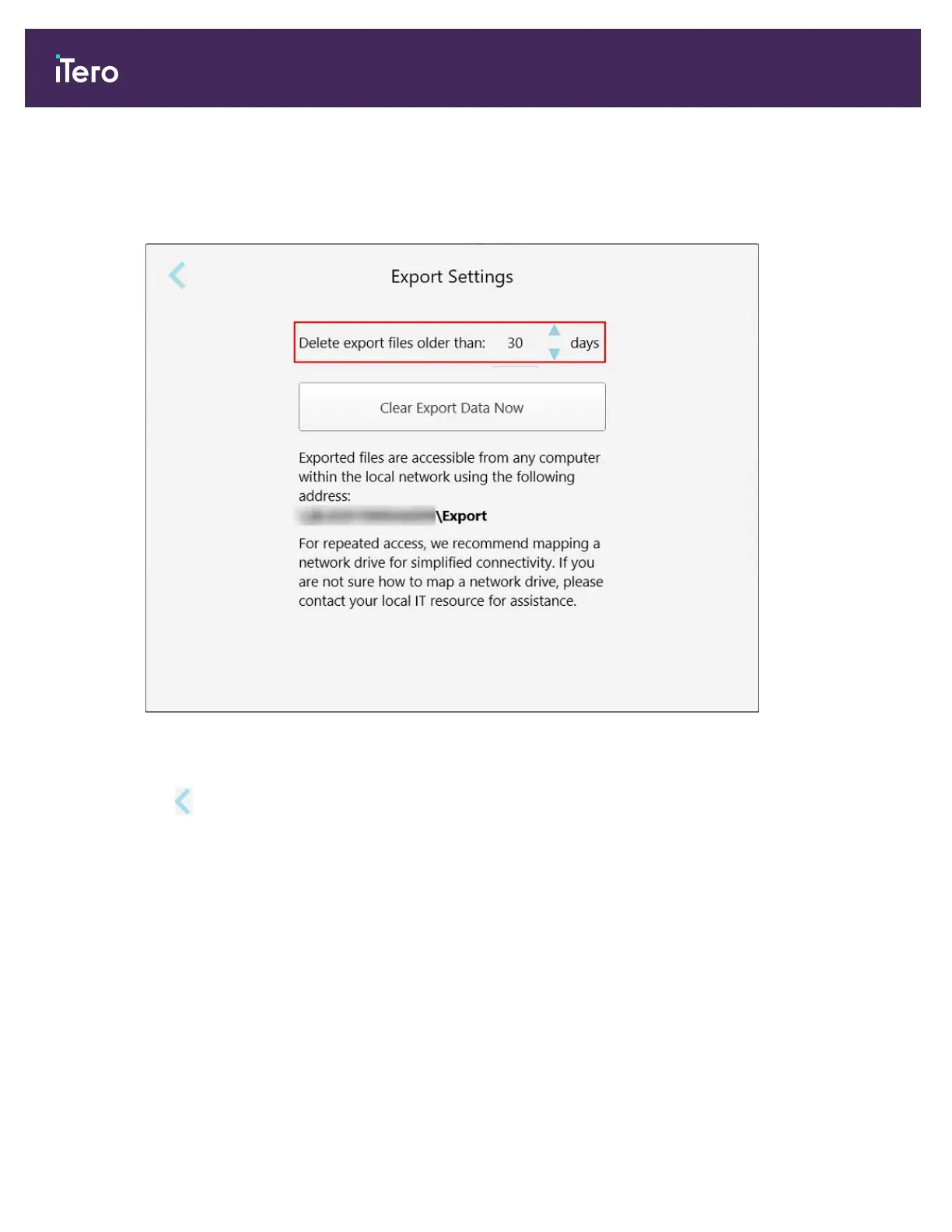
2. Select the number of days after which exported files should be deleted. By default, this is set at 30 days.
Figure 65: Export Settings window – deleting exported files
3. If required, tap Clear Export Data Now to delete the exported files immediately.
4.
Tap to return to the Settings window.
iTero Element® 5D Plus User manual
60 © 2020 Align Technology, Inc. All rights reserved.



 To Next Page