EasyManua.ls Logo

KNK Zing - Appendix A Key Board Shortcuts

KNK Zing
193 pages
Print Icon
To Next Page IconTo Next Page
To Previous Page IconTo Previous Page
Loading...
182
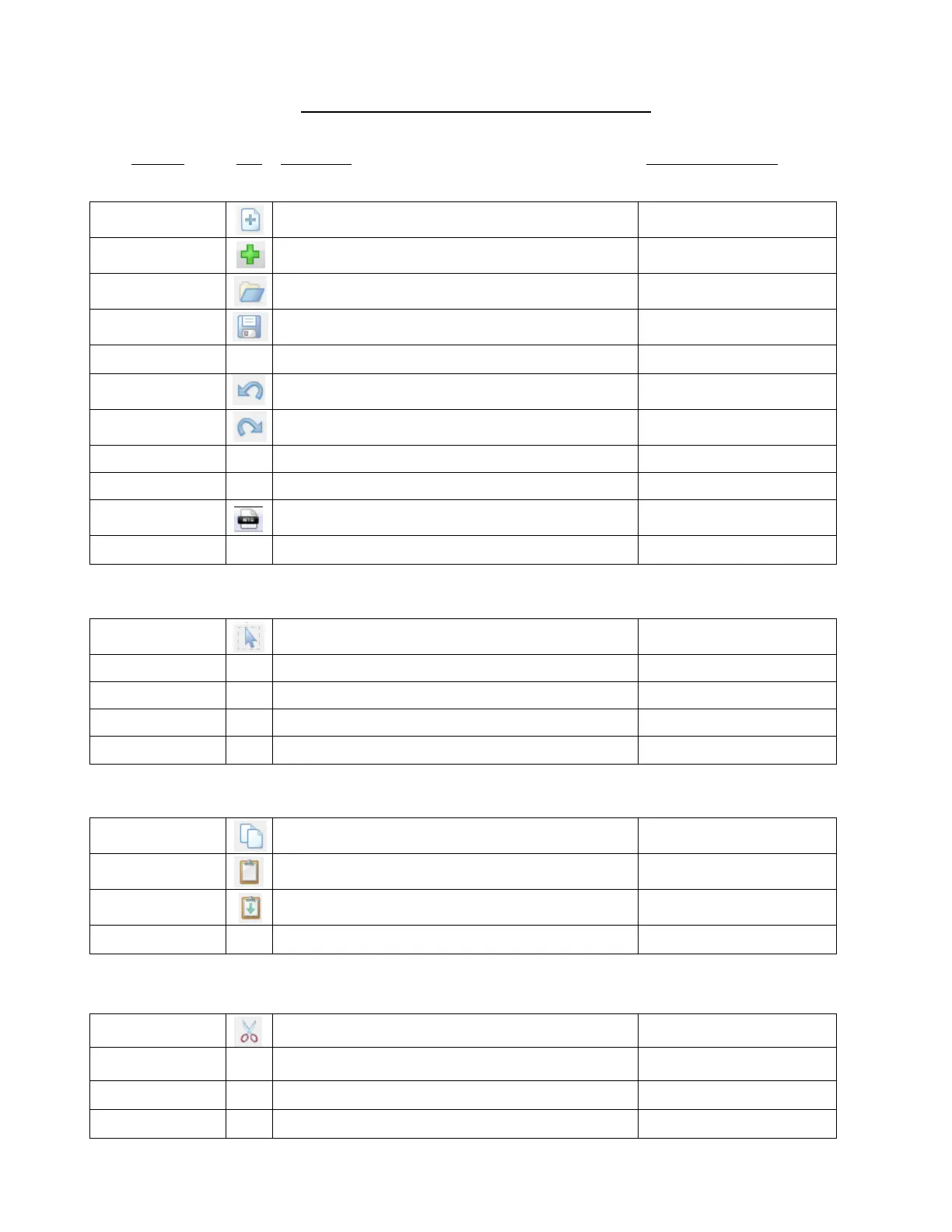
Appendix A Key Board Shortcuts
Shortcut
Icon
Description
Menu, Other Location
Standard Functions
Ctrl+N
Open a new file/project
File>New
Ctrl+N
Open a new file/project
Tab bar
Ctrl+O
Open an existing .mtc file/project
File>Open
Ctrl+S
Save a file/project
File>Save
Ctrl+Shift+P
Print
File>Print
Ctrl+Z
Undo last action
Edit>Undo
Ctrl+Y
Redo last action
Edit>Redo
Ctrl+F6
Go to next window/project
Top left icon in Menu Bar
Ctrl+Tab
Go to next project/project
Window>Next Window
Ctrl+F4
Close MTC
Top left icon in Menu Bar
Alt+F4
Close MTC
Selecting Shapes
Ctrl+A
Select all
Edit>Select All
Shift+Esc
Select next shape
Edit>Previous Shape
Shift+Tab
Select previous shape
Edit>Next Shape
Esc
Select none
Edit>Select None
Shift
Hold Shift while clicking on shapes to add to selection
Duplicating Shapes
Ctrl+C
Copy to clipboard
Edit>Copy
Ctrl+V
Paste from clipboard
Edit>Paste
Ctrl+Shift+V
Paste in Place from clipboard
Edit>Paste in Place
Ctrl+D
Create duplicate copies of selected shape (s)
Edit>Duplicate
Cutting/Deleting Shapes
Ctrl+X
Cut to clipboard
Edit>Cut
Del
Delete selected shape(s)
Edit>Delete
Shift+Del
Delete all shapes in the file
Edit>Delete All
Ctrl+Shift+R
Delete all shapes smaller than specified area (W x H)

Edit>Delete By Area

Table of Contents