Main Bar
The Main Bar has two tabs: Virtual Mat and Text and Fonts. The Virtual Mat tab allows you to set the size
and visual appearance of the mat, as well as orientation, the appearance of shapes, snapping to grid, and
Caret size. Refer to Section 3.04. The Text and Fonts tab allows you to select a font, open a new font, and
type text. Refer to Section 5.02.
Layer Bar
The Layer Bar is used to organize shapes into layers for both visual display and for cutting by color. All
shapes on a layer may be re-colored, hidden from view, locked, deleted, and moved up or down. Refer to
Section 3.12.
Tab Bar
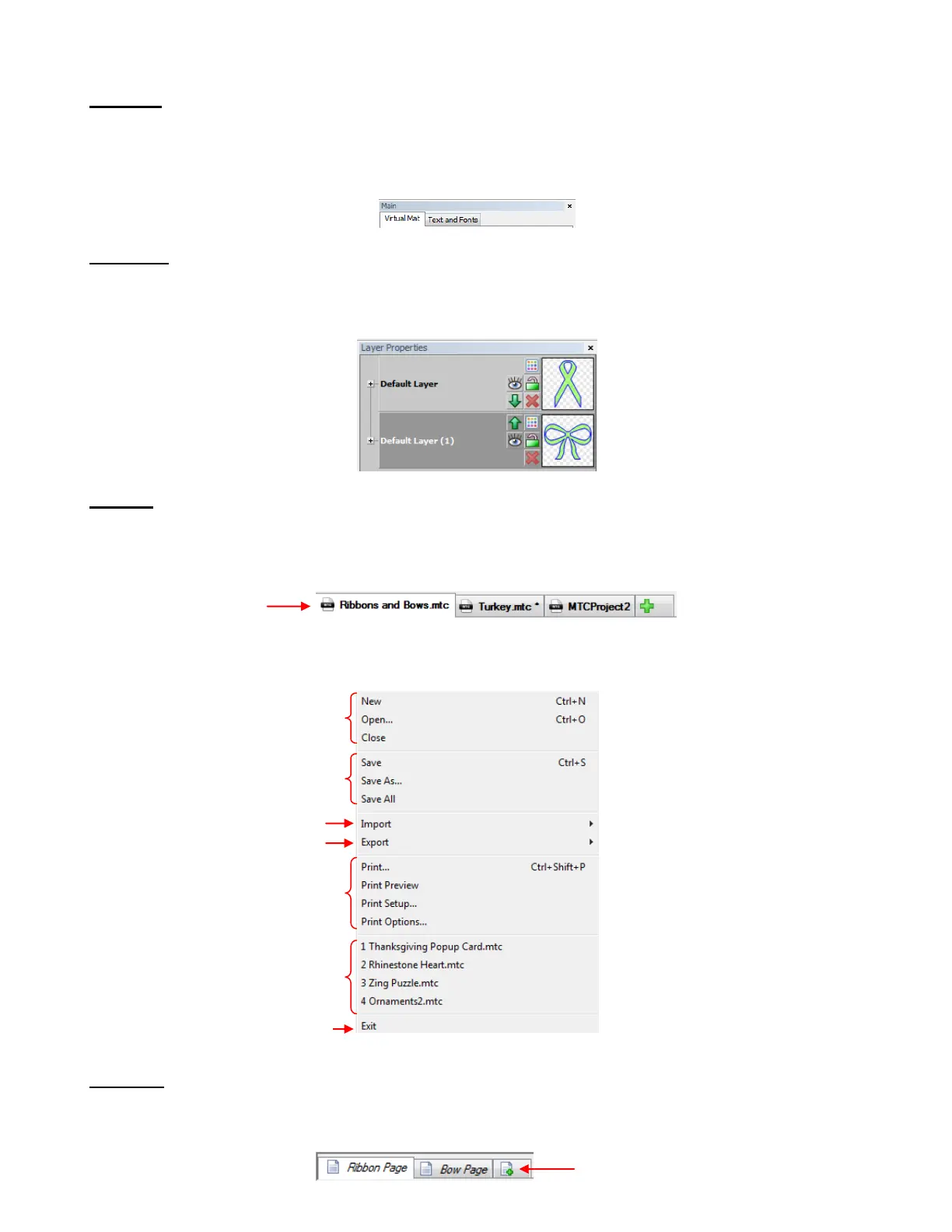
In MTC, opened files are also called Projects. The Tab Bar shows all of the currently open projects. Under
Windows on the Menu Bar, you can choose how to view opened projects, with similar display options
found in other Windows programs (such as Cascade, Tile Horizontal, Tile Vertical, etc).
Right click on any Project name on the Tab Bar and a menu of options will appear. This screenshot
indicates the user manual sections where this will again be referenced:
Page Bar
The Page Bar allows you to move shapes or layers to individual pages within the same project file. Each
page will have its own tab and the pages can be renamed or deleted, as desired.
Open Projects (Files):
3.06
Click here to add a new
blank page.



 To Next Page