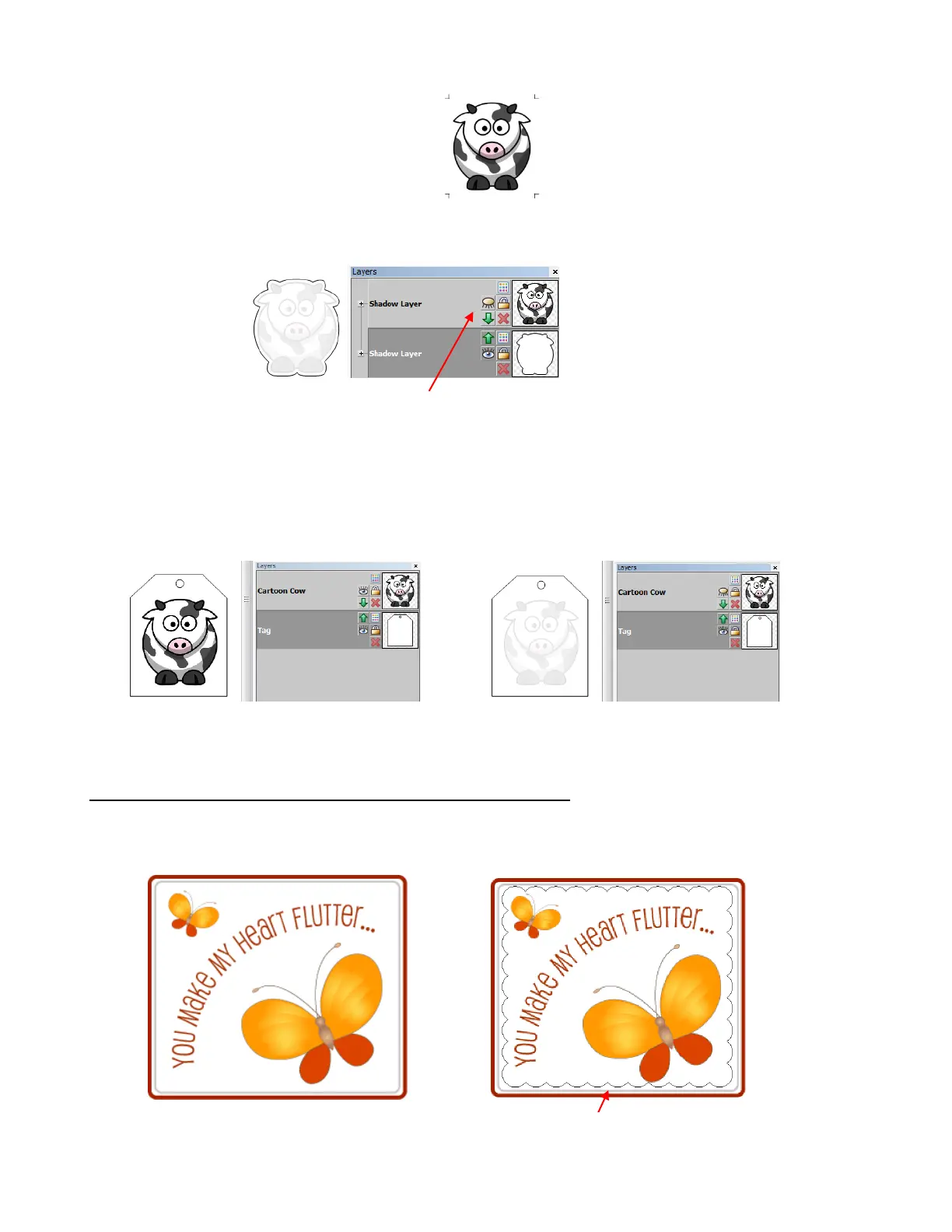
For cutting, you will then hide the original traced image so that its trace line will not be cut:
The cutting process proceeds as described in Section 9.04.
In the other case, with the tag shape around the original traced image, the process is exactly the same. The
tag must be re-colored to white so that it will not show up on your printout, but will be used to set the
location of the printed registration marks. After printing, turn off that original layer and only send the tag
layer to cut:
PNC With a Contour Shape Smaller Than the Printed Image
In this situation, a shape is going to be cut that is smaller than the outside boundaries of the imported
graphic. For example, let’s say a scalloped border is desired as the cut line:
Original image is now hidden and will not cut.
An interior scallop is to be added and cut.
Printing: Both layers are showing; tag layer
is white and on the bottom.
Cutting: Cow layer is hidden. Only tag layer
is sent to cut.



 To Next Page