3. MTC Basics
This chapter begins the Make-The-Cut User Manual. As noted on the first page, this is meant to be an online
interactive manual. Refer back to that page for features to use while reading online. It is highly recommended
that you do not print this entire manual. It will be updated frequently as additions and changes are made to the
software. Also, during the next few months, you will begin to see hyperlinks to online videos. These are provided
to enhance your learning experience. Wherever you see a large green “Video” icon, click on it to automatically
link to and open a video related to the topic that follows:
3.01 Main MTC Screen
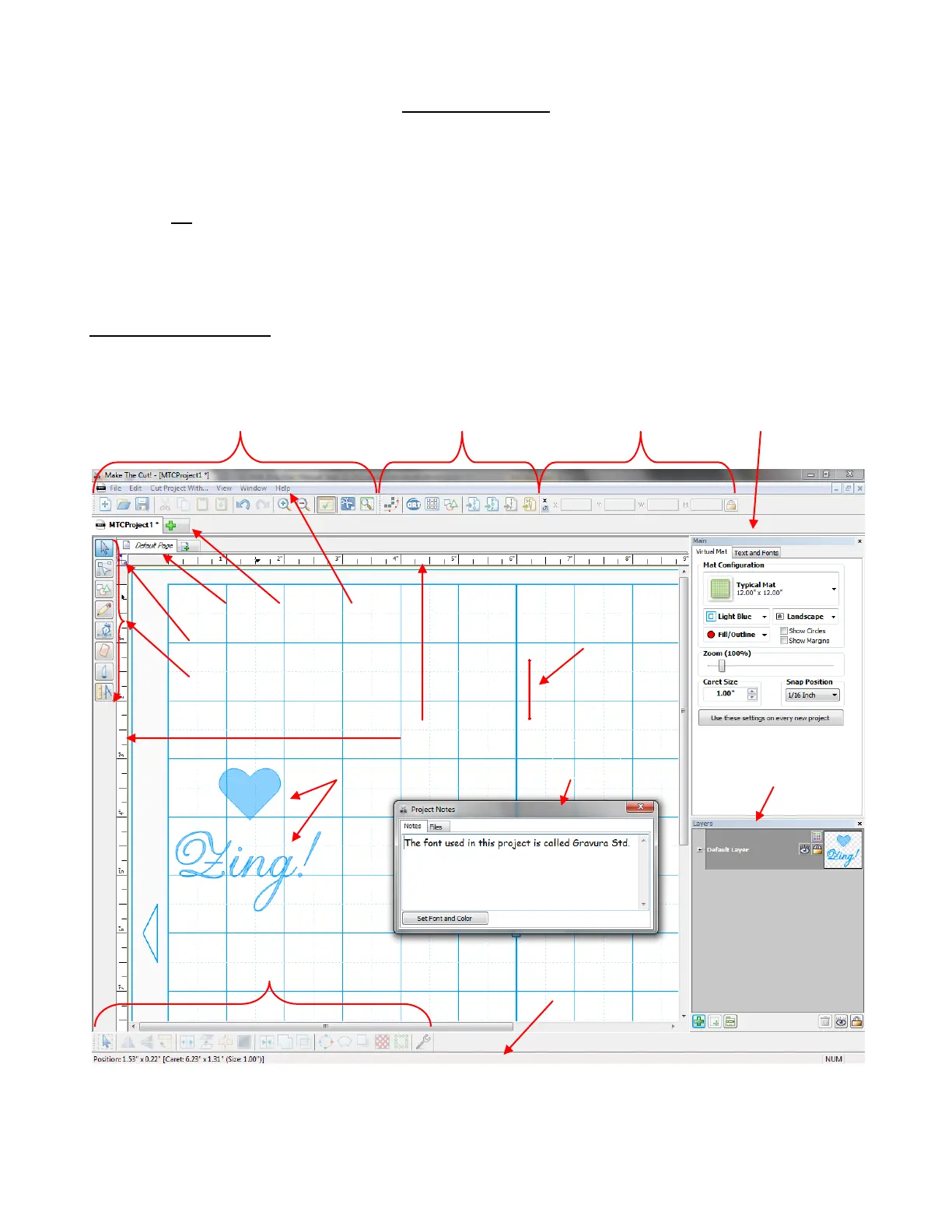
Below is a screen shot of the main screen in MTC identifying toolbars, bars, and other important elements on
the screen. Note the specific names of the items shown as they will be referenced throughout this user manual:
Shown above are four Toolbars, seven Bars, one Window, two Rulers, two Shapes, and a Caret.
Some of the elements shown, such as the Rulers, Notes Window, as well as some of the Toolbars and
Bars, can be turned on or off by going to View on the Menu Bar.



 To Next Page