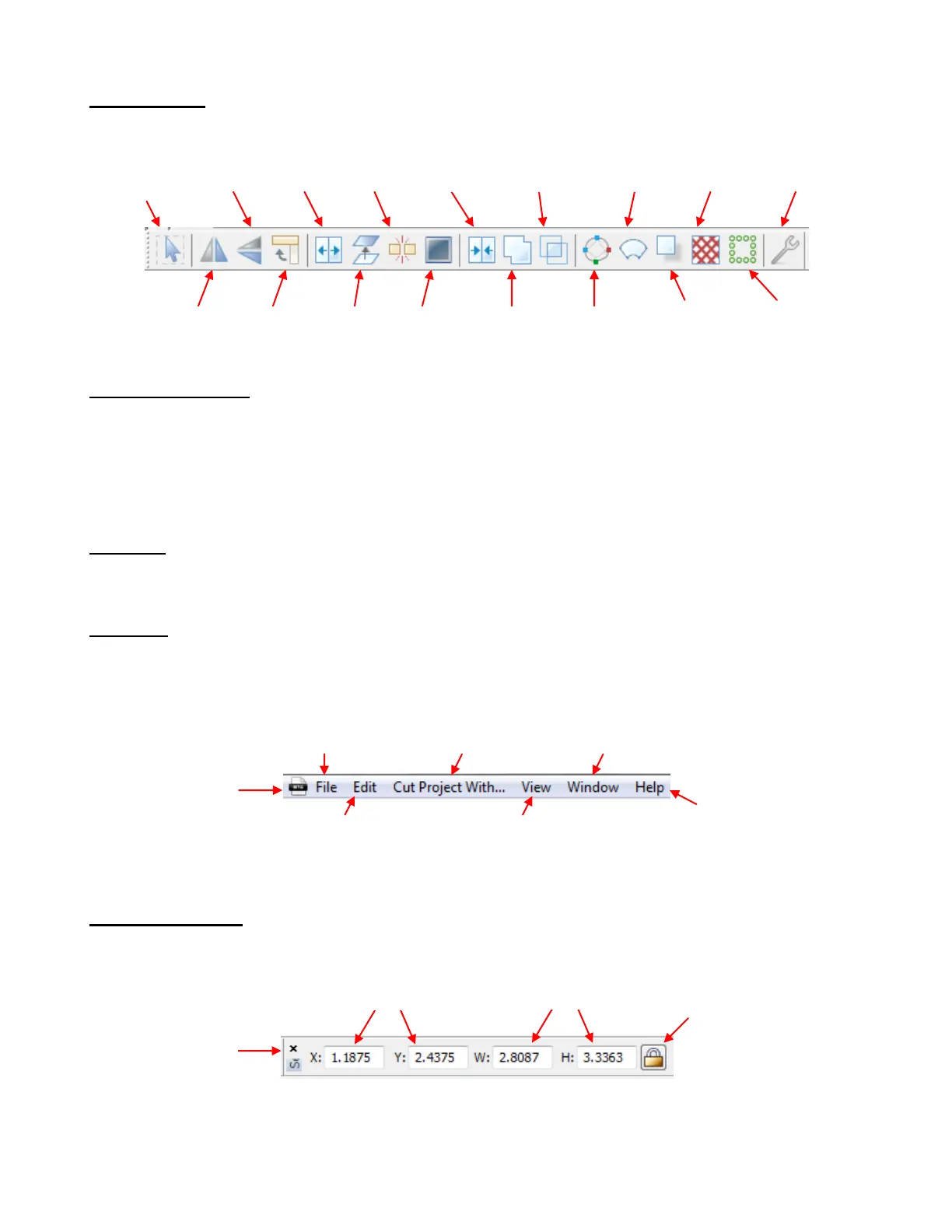
Magic Toolbar
The Magic Toolbar contains the functions that are used in editing and designing:
Node Mode Toolbar
The Node Mode Toolbar contains the functions used in editing paths and nodes in vector images. You may
never find it necessary to use these tools. But if you need the ability to modify images at the most basic
level, the tools are available and powerful in their functionality. Refer to Section 7.06 for identification of the
individual icons and how to use them.
3.03 Bars
There are seven bars in MTC, presented below. In this section, only the individual icons will be identified. To
learn more about using the functions, refer to the user manual sections as indicated.
Menu Bar
Like most Windows applications, the Menu Bar in MTC provides access to most of the functions in the
software. The following text boxes indicate the primary functions found in each of the Menu Bar choices:
Sel. Properties Bar
The Select Properties Bar displays the location and size of the current selected shape or shapes:
Turning on and off
toolbars, bars, windows,
zoom, default colors
Open, close, save,
import, export, print files
Cutter plug-ins and
cut preview
Manipulating & editing
shapes and designing
Window and program
controls
Register, help, tutorials,
user forum, automatic
saving, backup,
restore, drivers, user
settings
Navigate to and organize
windows, arrange icons
X,Y mat locations of
selected shape(s): 3.09
Width and Height of
selected shapes(s): 3.13
Lock or unlock
Aspect Ratio:
3.13



 To Next Page