OPERATION
Engine Warm-Up
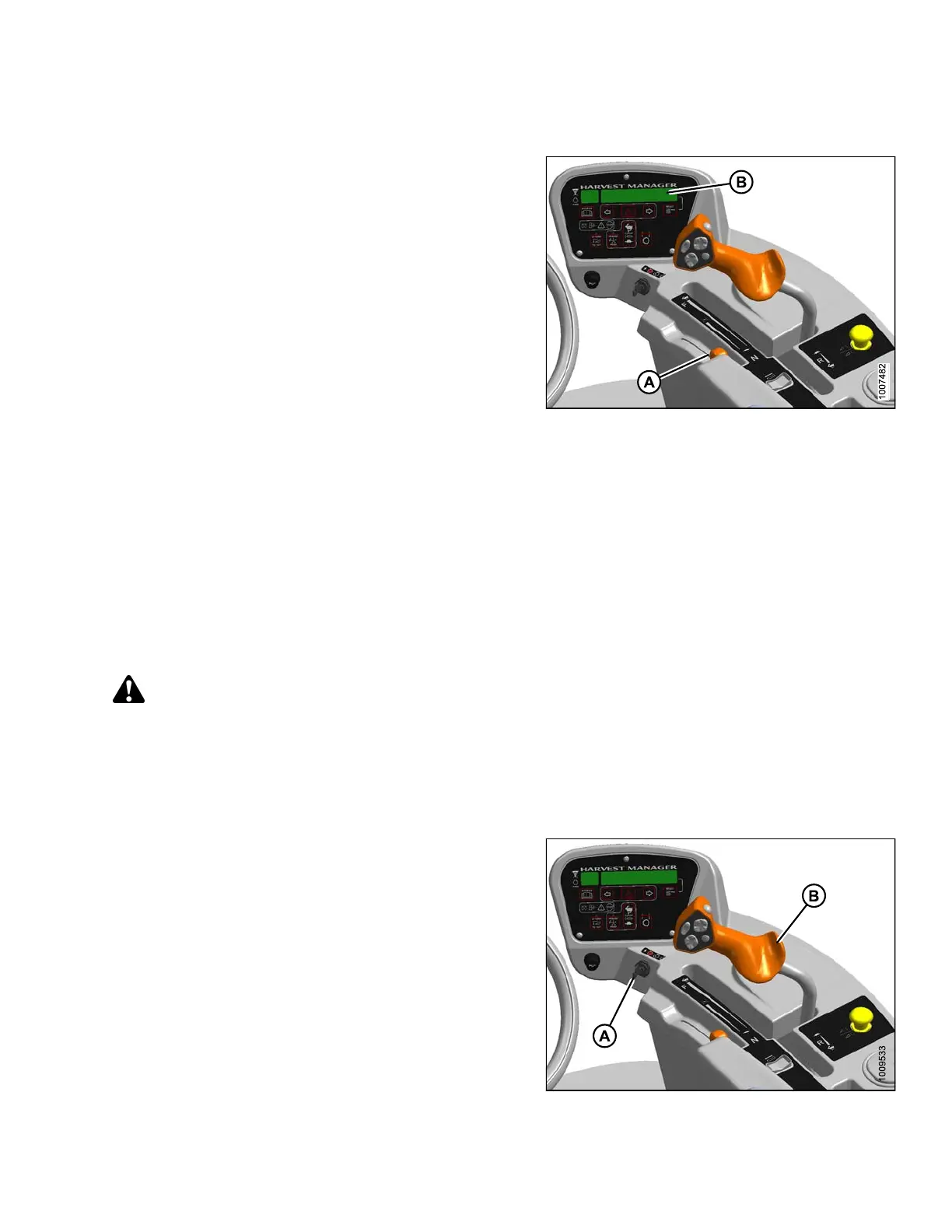
Allow engine to run with throttle lever (A) at or near low
idle position until engine temperature reading on display
(B) reaches approximately 100°F (40°C).
NOTE:
Scroll through cab display module (CDM) for engine
temperat ure.
Figure 4.11: Operator Console
Engine Intermediate Speed Control (ISC)
Engine IS
C is useful when operating loads are reduced such as in light crop conditions that do not require the
maximum e
ngine rpm. Reduced engine speed lowers fuel consumption, noise levels, and exhaust emissions in
additio
n to reducing engine w ear.
With the
ISC activated, the engine speed automatically reverts to 2300 rpm when the header is engaged.
Program
ming instructions are provid ed in 3.18.5 Cab Display Module (CDM) Programming, page 70.
Shutti
ng Down the Engine
CAUTION
Park on a flat, level surface, header on the ground, and the ground speed lever in N-DETENT position and
steering wheel locked.
IMPORTAN T:
Before stopping engine, run at low id le for a p pro ximately five minutes to cool hot engine parts (and allow
turbocharger to slow down while engine oil pressure is available).
1. Lower header.
2. Place g round speed lever (GSL ) (B) into N-DETENT.
3. Lock steering wheel.
4. Turn ignition key (A) counterclockwise to OFF position.
Figure 4.12: Operator Console
169890 91 Revision A



 To Next Page