OPERATION
1. Engage header.
2. Set HEA DER INDEX switch (B) to OFF.
3. Press DISPLAY SELEC TOR (E) t o display at (A) DRAP ER SPEED.
4. On cab display module (CDM) press FAST (C) or SLOW (D) until desired draper speed is displayed at (A).
Display shows ##.# DRAPER SPEED.
##.# = MPH or KPH
4.6.8 K nife Speed
The ideal cutting speed of the knife should be such that a clean cut is achieved. Crop types and conditions
usually influence the knife and forward speeds. Refer to the header operator’s manual for more information
on knife speeds.
The knife speed is manually set by making adjustments to the knife drive pump, and has been preset at the lowest
knife rpm. For optimum performance, adjust the knife speed according to the header being used. Refer to the
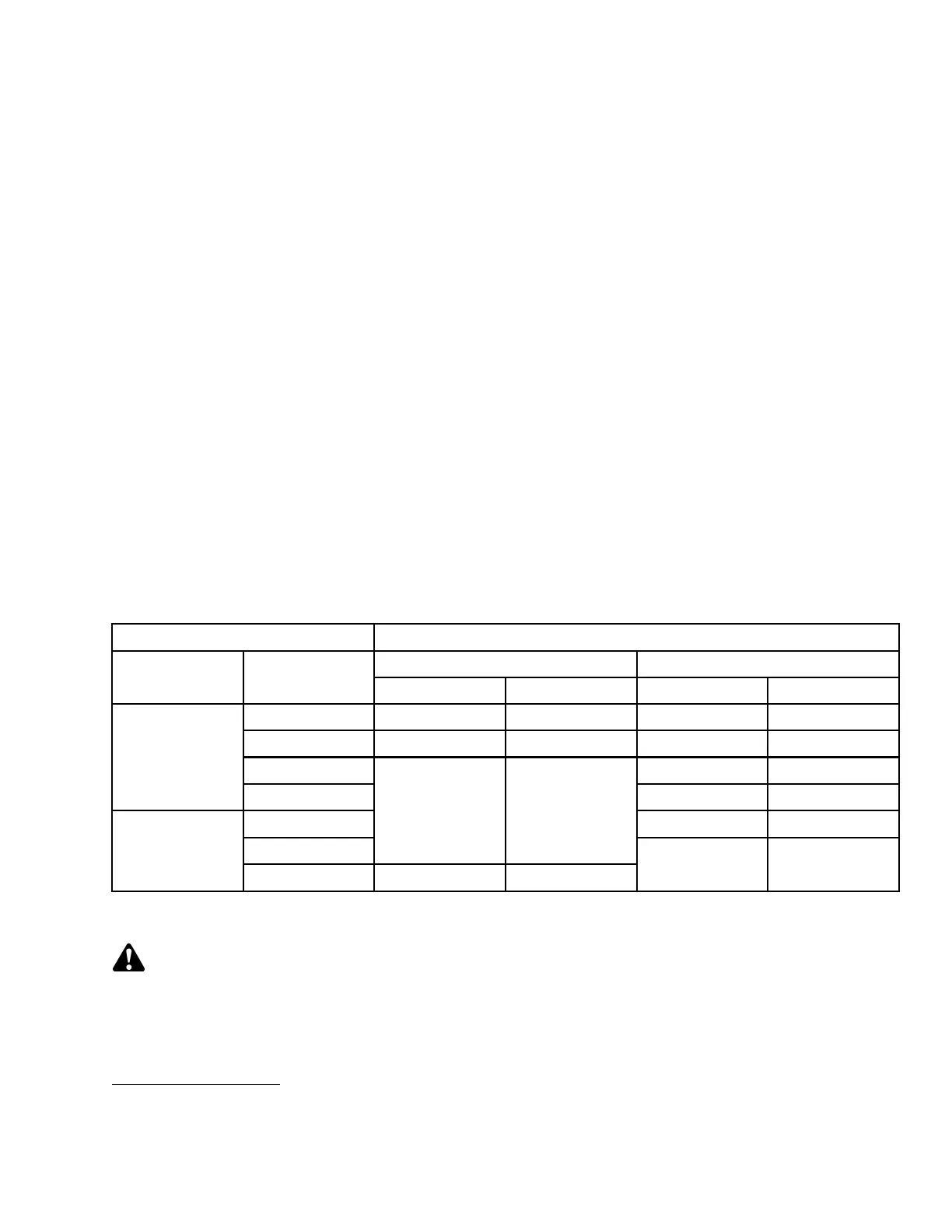
following ta ble.
If the machine is equipped with the appropriate sensor and optional module, the cab display module (CDM) will notify
you when the knife speed reaches an overload preset (usually 75% of knife speed).
The preset can be changed on the CDM. Refer to 3.18.5 Cab Display Module (CDM) Programming, page 70.
NOTE:
The knife
speed should be set within the range specified for each header.
Table 4.1 D-Series Knife Speed
Header Description
Knife Sp
eed
Minimum Maximum
Type
Size (ft)
rpm
14
spm
15
rpm
14
spm
15
15 750 1500 950 1900
20 and
25
700 1400 850 1700
30 800 1600
Draper Double
Knife
35 700 1400
20 an
d25
750 1500
30
600 1200
Draper Single
Knife
35 550 1100
700 140
0
Setting Knife Spee d (with Expansion Module MD #4666)
DANGER
Stop engine and remove key from ignition before leaving operator's seat for any reason. A child or even a
pet could engage an idling machine.
14. Revolutions p er minute - Speed of knife drive b ox pulley
15. Strokes per minute of knife (rpm x 2)
169890 175 Revision A



 To Next Page