TROUBLESHOOTING
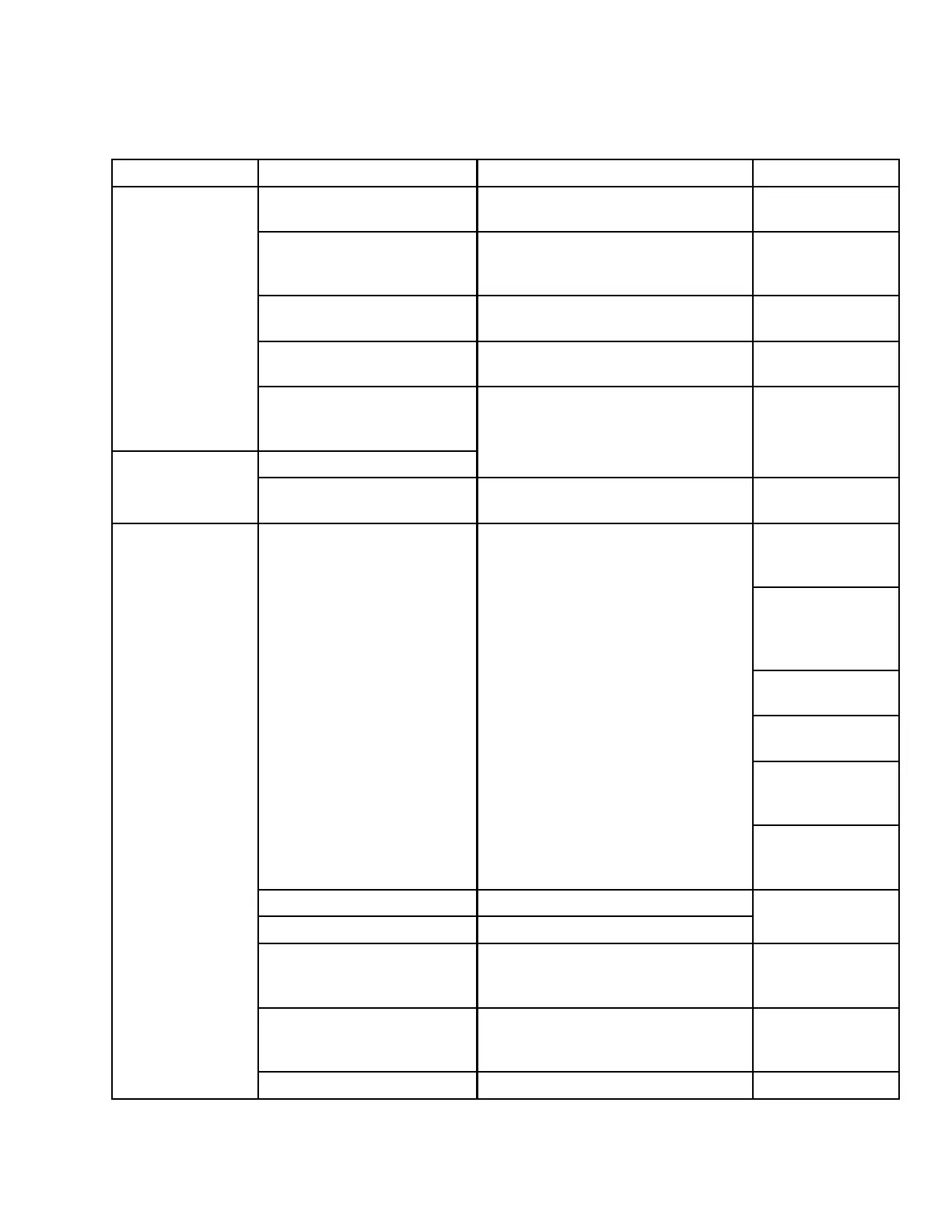
6.2 Electrical Troubleshooting
Symptom
Problem
Solution Section
Defective battery
Have battery tested.
Batteries, page
259
Loose or corr
oded
connections
Clean and tighten battery connections.
Maintaining
Batteries, p
age
260
Defective alternator belt
Replace w orn belt.
Replacing Fan
Belt, page 256
Alternator or voltage regulator
not connected properly
Connect properly.
Batteries, page
259
Low voltage and/or
battery will not
charge.
Dirty or defective alternator,
defective voltage regulator, or
high resistance in circuit
Defectiv
e light switch
Contact Dealer. Contact Dealer.
Lights dim.
High resistance in circuit or
poor ground on lights
Check the wiring circuit for a break in
a wire or a poor ground.
—
Replaci
ng Field
Light B
ulb, page
270
Replacing B ulb
in Cab-Forward
Flood Light, page
270
Swath
Lights, page
275
Amber Lights,
page 276
Bea
cons (if
ins
talled), page
277
Burned out o r defective
light bulb
Replace light bulb.
Replacing HID
Lamp (if Installed),
page 273
Broken wiring
Ch
eck wiring for broken wire or shorts.
Poor ground on lights
Cleanandtightengroundwires.
—
Open or defective c ircuit
breaker
Check circuit breake r.
Circuit Breakers
and Fuses, page
282
Defective relay Replace relay.
Replacing Circuit
Breakers and
Relays, page 283
Lights do not light.
Defective light switch Con ta ct Dealer. Co n ta ct Dea le r.
169890 323 Revision A



 To Next Page