MAINTENANCE AN D SERVICING
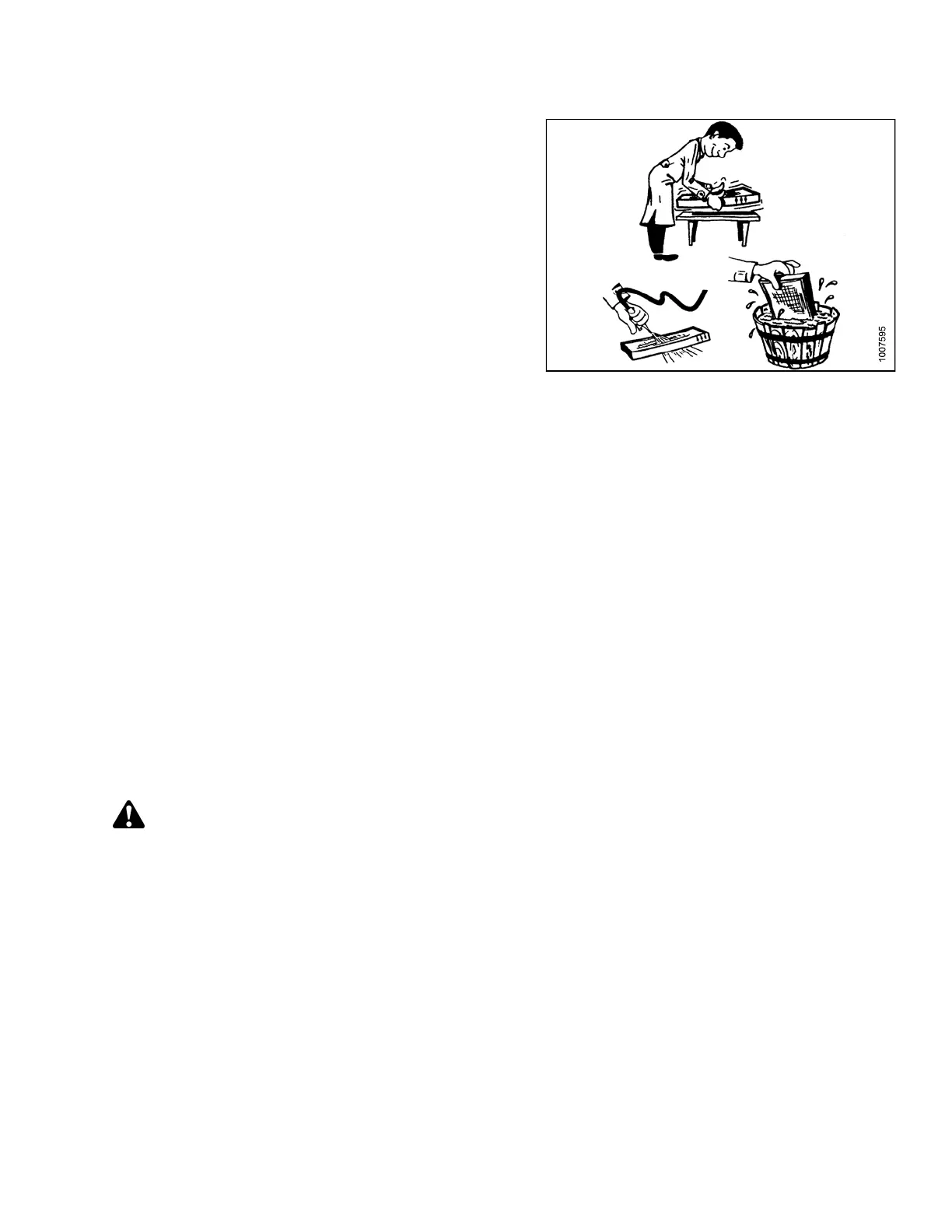
2. Tap filter gently on a flat surface, dirty side down. Do
NOT tap on a tire, treads may damage filter pleats.
3. Direct compressed air (100 psi [700 kPa] m aximum)
through filter in opposite direction of air flow arrows.
4. Wash filter as required:
a. Soak 15 minutes in warm water (NOT over 100°F
[40°C]) with Filter Element Cleaner (Donaldson D
1400 or equivalent).
b. Rinse thoroughly with clean water (maximum
pressure 40 psi [275 kPa]).
c. Shake excessive water from filter, and allow
element to dry. Do NOT use compressed air to dry
filter as it ma y rupture th e wet element. Protect
element from freezing until dry.
Figure 5.46: Cleaning the Fresh Air Filter
5. Inspect filter before installing as follows:
a. Hold a bright light on one side element, and check
carefully for holes. Discard any element which
shows the slightest hole.
b. Be sure outer screen is not dented. Vibration
would quickly wear a hole in the filter.
c. Be sure filter gasket is in good condition. If gasket
is damaged or missin g, re place element .
6. Reinstall filter, making sure air flow arrows point
towards cab.
Return Air Cleaner/Filter
The return air cleaner/filter is located behind the operator ’s seat on the cab wall and should be serviced every
100 hours.
Removing and Installing Return Air Filter/Cleaner
DANGER
Stop engine and remove key from ignition before leaving operator's seat for any reason. A child or even a
pet could engage an idling machine.
169890 219 Revision A



 To Next Page