MAINTENANCE AN D SERVICING
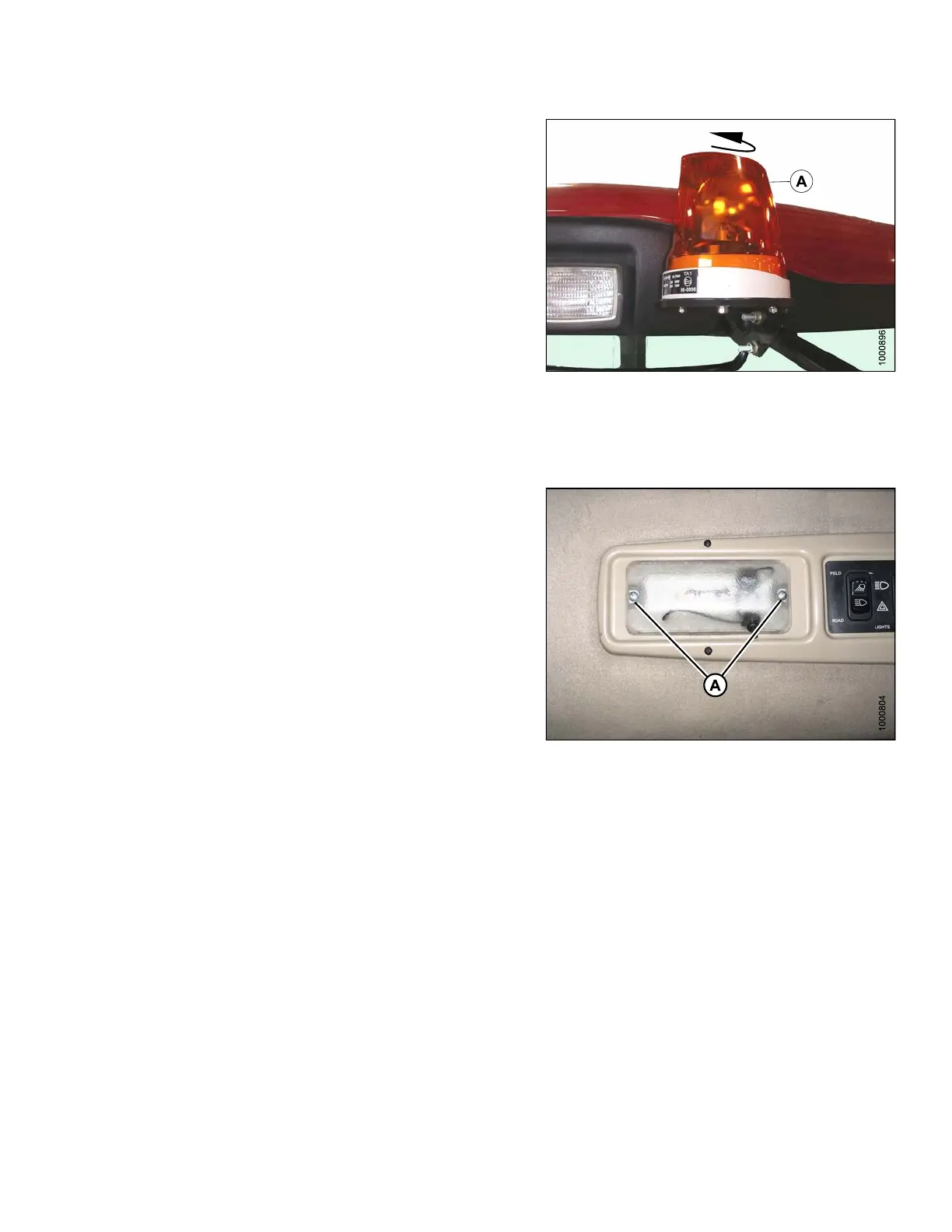
9. Turn the lens clockwise to lock it in place.
Figure 5.162: Warning Beacons
Dome Light
To replace a cabin dome light, follow these steps:
1. Shut down engine.
2. Remove two screws (A) from the dome light assembly
and remove the assembly.
3. Disconnect the old dome light assembly from the
wiring harness.
4. Connect the new dome light MD #183413 to the
wiring harness.
5. Install the new dome light with two screws (A).
Figure
5.163: Cabin Dome Light
169890 281 Revision A



 To Next Page