MAINTENANCE AND SERVICING
NOTE:
If replacing filter, refer to Filter Part Numbers, page 200.
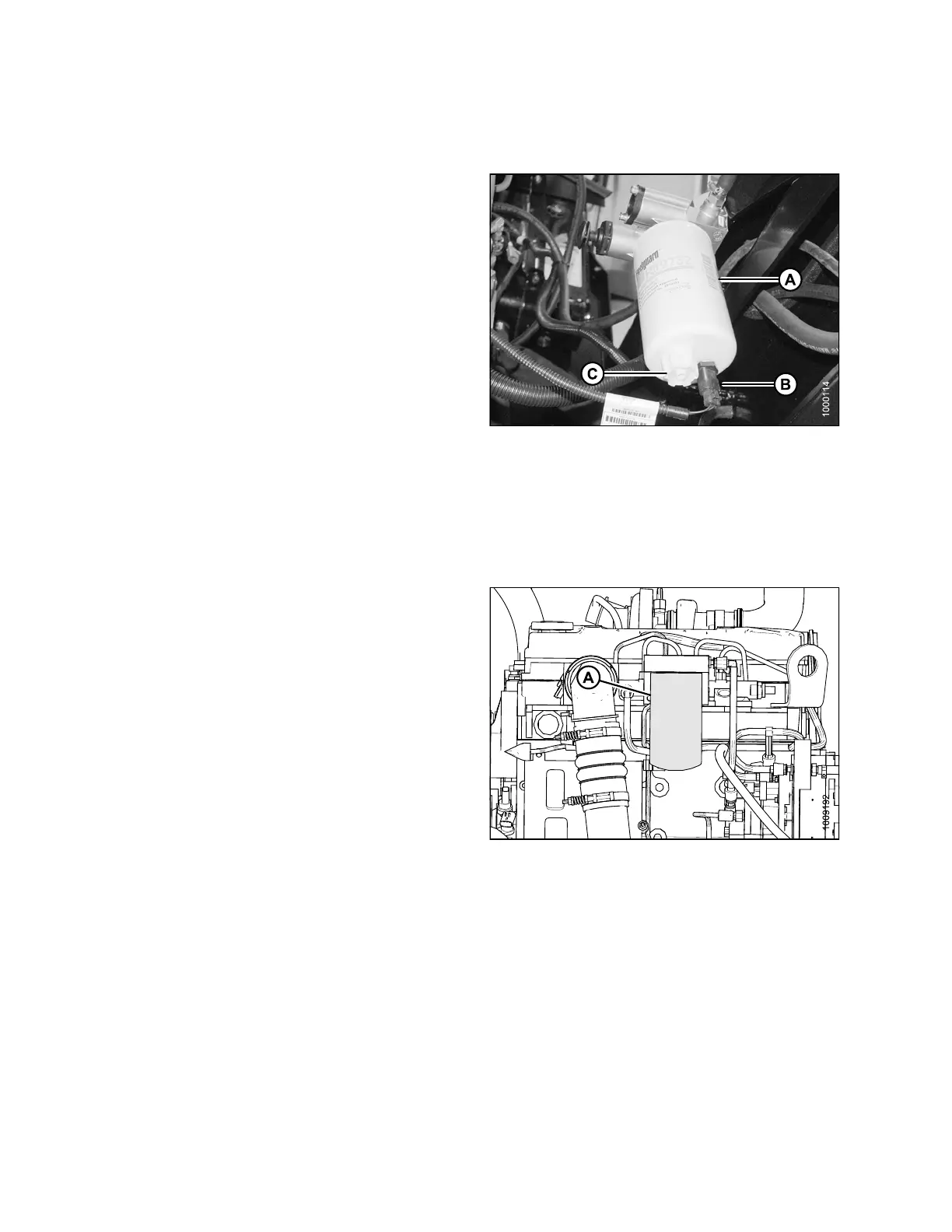
1. Screw the new filter (A) onto the filter mount until the
gasket contacts the filter head.
2. Reconne c t w at er in fue l (WIF) sensor (B).
3. Tighten the filter an additional 1/2 to 3/4 turn by hand.
IMPORTANT:
Do NOT use a fil
ter wrench to install the filter.
Overtighte
ning can damage the gasket and filte r.
Figure 5.8
3: Fuel System
Removing S
econdary Fuel Filter
1. Stop the engine and remove the key.
2. Open the hood, refer to 5.4.3 Opening Hood (Highest
Position), page 203.
3. Clean around the
secondary filter head (A).
4. Place a containe
r under the filter to catch spilled fluid.
5. Remove filter (B
)withafilter wrench.
6. Clean gasket ma
ting su rface.
Figure 5.84: Fuel System
Installing Secondary Fuel Filter
IMPORTANT:
Do NOT prefill filter with fuel. Prefilling can contaminate the fue l system.
NOTE:
If replacing filter, refer to Filter Part Numbers, page 200.
169890 240 Revision A



 To Next Page